

We all have used Microsoft Office 2013. It provides great visual appearance of its UI design, so let's build that. First you have to customize your form.
See the following article to customize Windows Forms in C# in very easy steps
See the following article to customize Windows Forms in C# in very easy steps
- Customizing Windows Forms In C#
Once you have customized your form, you need controls like Tabs, that Office provides.
See the following article to create your own TabControl in C#
- Creating Our Own TabControl In C#
You also need some custom controls to design your office application.
See following article to create custom controls in C#
- Creating Custom Controls In C#
You already have your design using only the above articles.
Download the source code to view complete code for Word,PowerPoint,Excel etc. Office provides a drop down list of items. See the following article to create a DropDownControl in C#
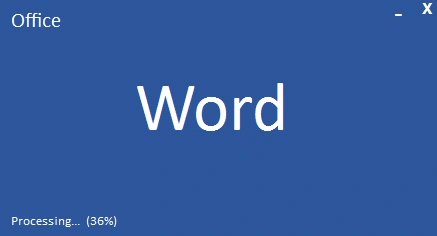
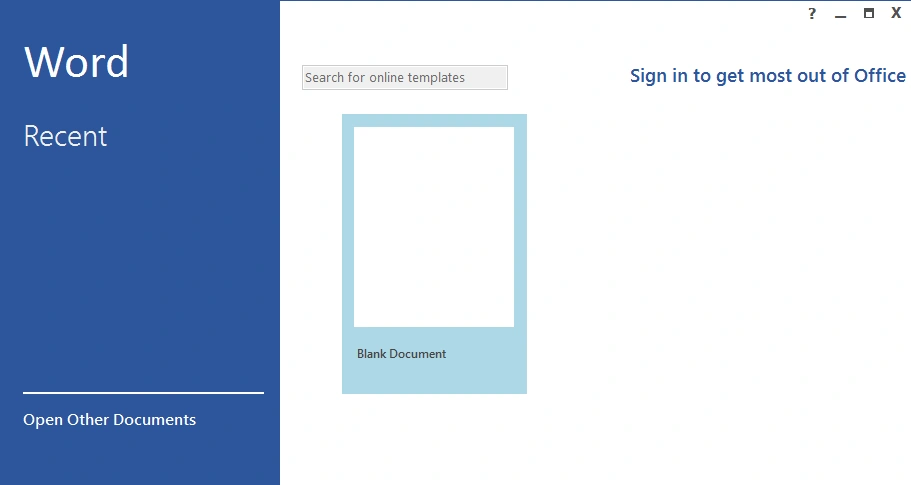
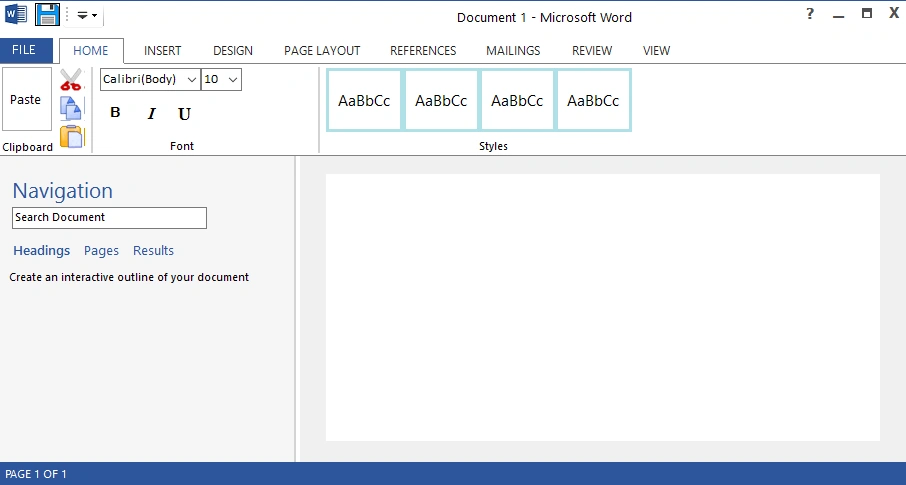
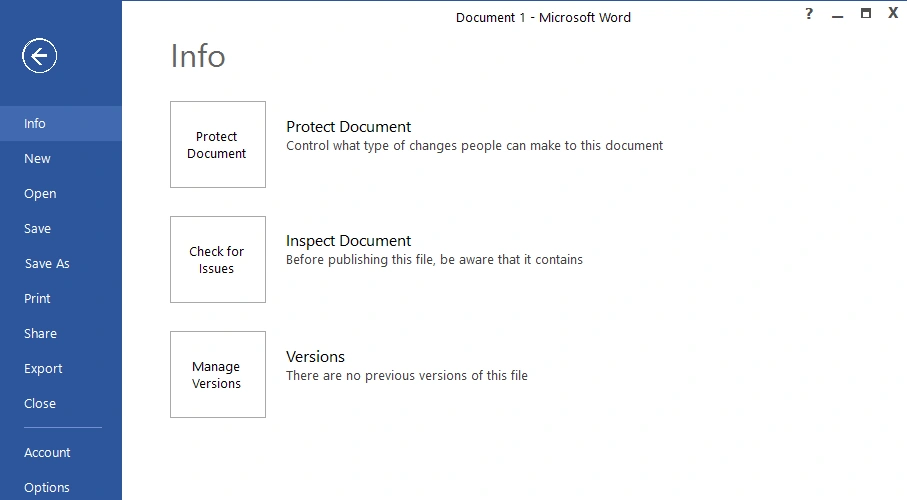
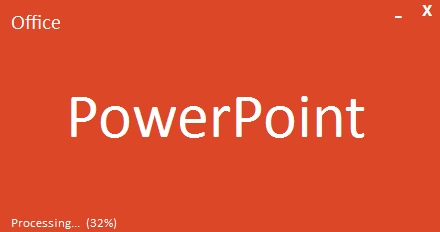
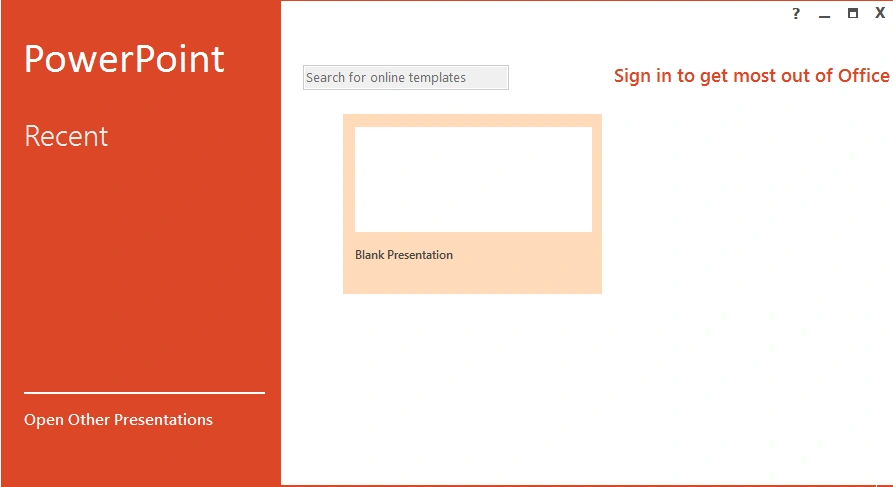
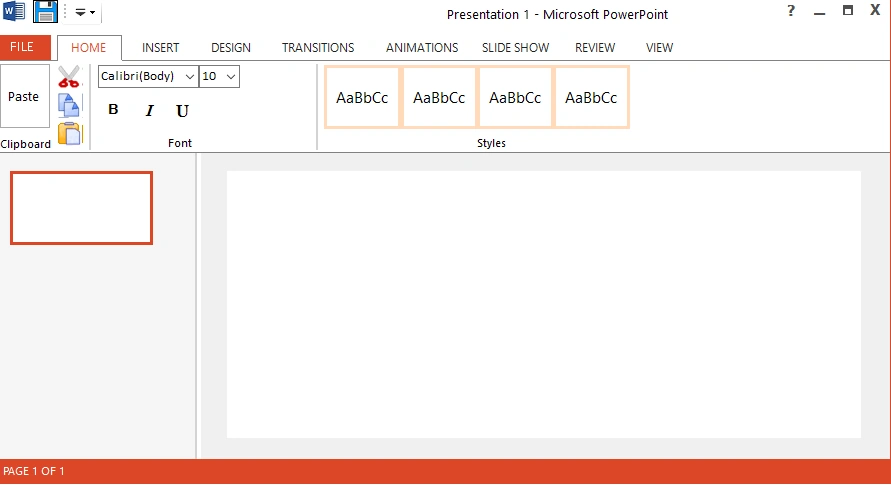
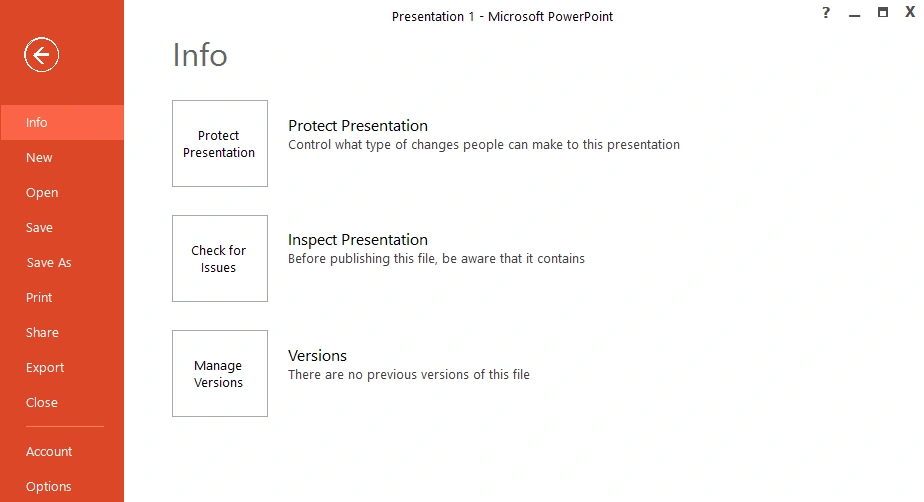
Here are the screenshots of the UI design applications of word, powerpoint, excel.
Word
Download the Word.zip C# code
PowerPoint
Download the PowerPoint.zip C# code
Excel
Download the Excel.zip C# code
The screenshots for excel is the same as above with green color.
The screenshots for excel is the same as above with green color.
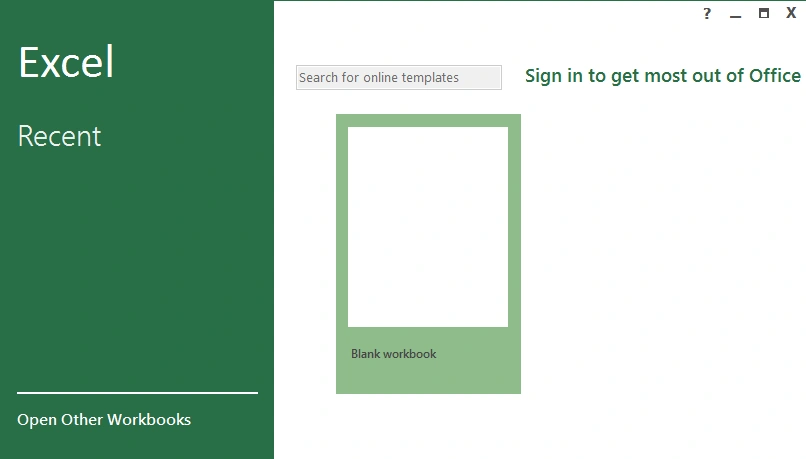
Everyone like a dark colored application.So we can design this application in the way you want.
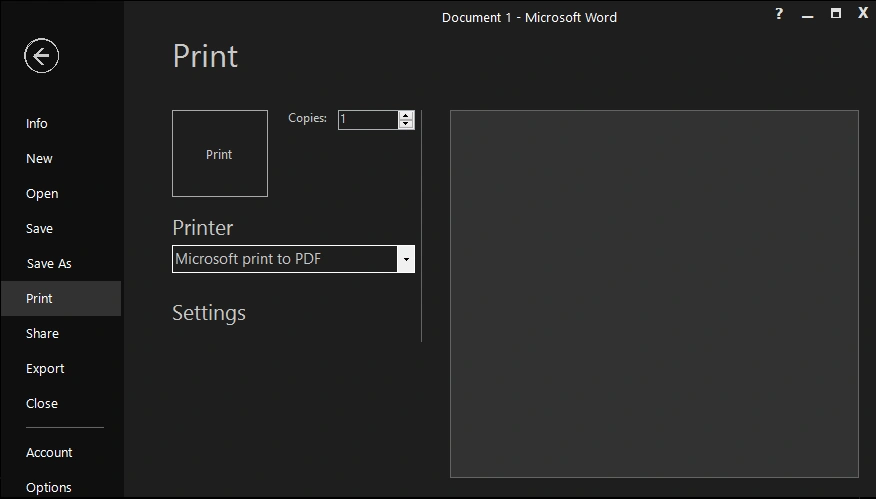
So let's build a dark colored Office Word.
DarkWord
Download the DarkWord.zip C# code
Here are the screenshots of it.
So let's build a dark colored Office Word.
DarkWord
Download the DarkWord.zip C# code
Here are the screenshots of it.
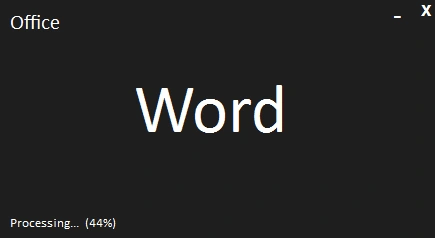
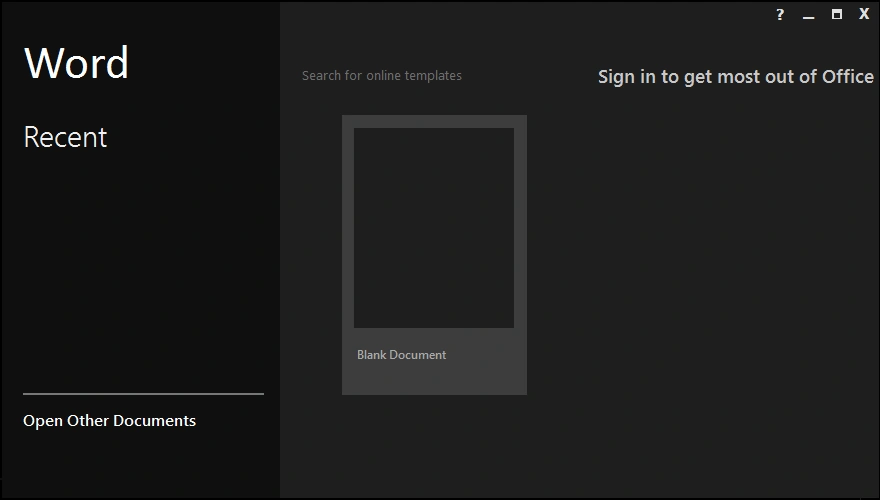
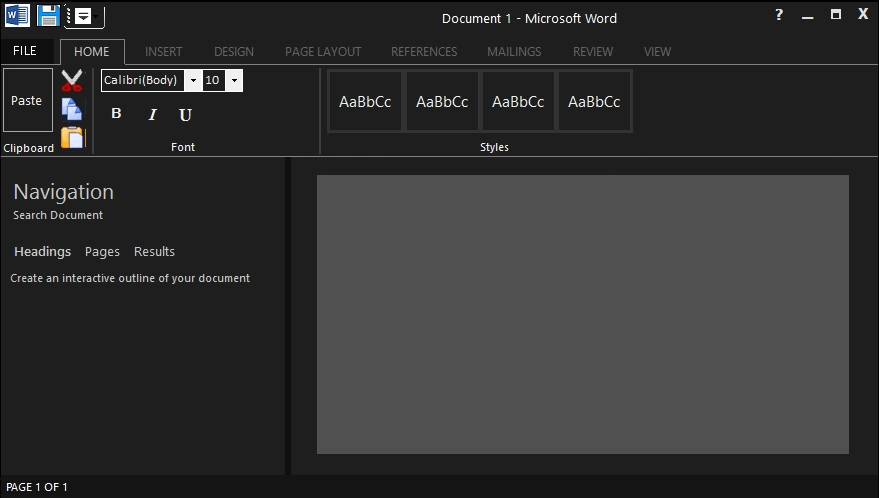
Download the source code for all Office_All.zip.
Sergue FelioPosted Aug 9, 2019, 1:33 AM
VERY EXCELLENT UI! Thanks!!!
Anbu Selvam MurugesanPosted Jun 20, 2018, 7:18 AM
Superb work.
Barutwanayo TheogenePosted Jan 25, 2018, 7:38 AM
Very interesting article
Sameer ShaikPosted Jan 8, 2018, 9:24 AM
Great work pritam,
Sagar Pandurang KapPosted Jan 8, 2018, 12:13 AM
Nicee Article.....Excellent UI.