

We are going to discuss microservice asynchronous communication using the Ocelot API gateway and RabbitMQ Message Queue and containerization of the client application
I request you to read the following blogs for a better understanding of API Gateway and Microservice
- RabbitMQ Message Queue Using .NET Core 6 Web API
- Microservices Implementation With Ocelot Gateway Using .NET Core 6 API And Angular 14
- Asynchronous Communication Between Microservices Using the .NET Core API, RabbitMQ, and Docker
- Implementation And Containerization Of Microservices Using .NET Core 6 And Docker
Agenda
- Implementation of Ocelot API Gateway
- Implementation of Client Application to consume one service
- Containerization using Docker
Prerequisites
- Visual Studio 2022
- .NET Core 6 SDK
- Angular 14
- Node Js
- VS Code
- SQL Server
- Docker Desktop
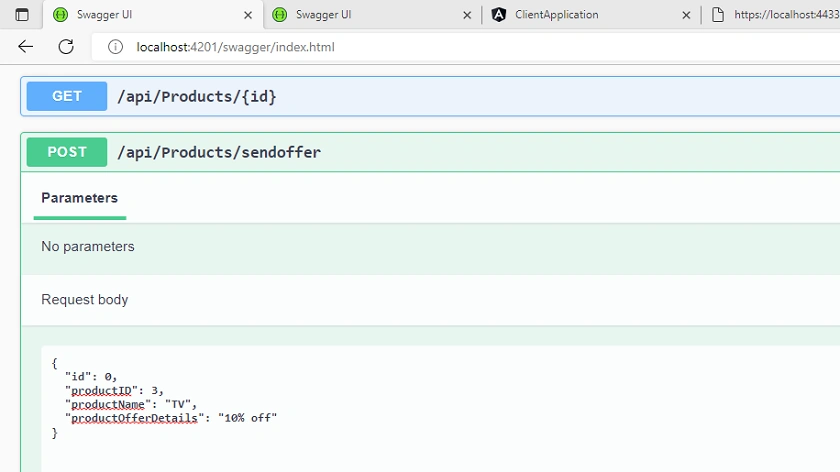
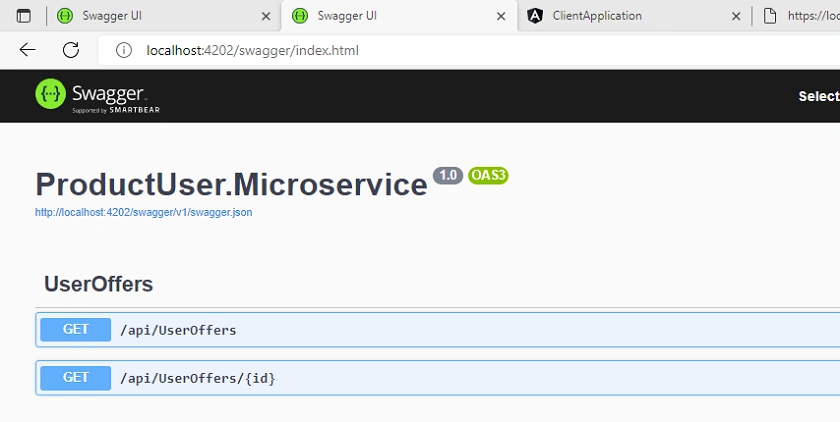
Create Backend Product Owner and User Service as shown in this article
Update the controllers
ProductController
using Microsoft.AspNetCore.Mvc;
using ProductOwner.Microservice.Model;
using ProductOwner.Microservice.Services;

namespace ProductOwner.Microservice.Controllers
{
    [Route("api/[controller]")]
    [ApiController]
    public class ProductsController : ControllerBase
    {
        private readonly IProductService productService;

        public ProductsController(IProductService _productService)
        {
            productService = _productService;
        }

        [HttpGet]
        public Task<IEnumerable<ProductDetails>> ProductListAsync()
        {
            var productList = productService.GetProductListAsync();
            return productList;

        }
        [HttpGet("{id}")]
        public Task<ProductDetails> GetProductByIdAsync(int Id)
        {
            return productService.GetProductByIdAsync(Id);
        }

        [HttpPost]
        public Task<ProductDetails> AddProductAsync(ProductDetails product)
        {
            var productData = productService.AddProductAsync(product);
            return productData;
        }

        [HttpPost("sendoffer")]
        public bool SendProductOfferAsync(ProductOfferDetail productOfferDetails)
        {
            bool isSent = false;
            if (productOfferDetails != null)
            {
                isSent = productService.SendProductOffer(productOfferDetails);

                return isSent;
            }
            return isSent;
        }
    }
}
UserOffersController
using Microsoft.AspNetCore.Mvc;
using ProductUser.Microservice.Model;
using ProductUser.Microservice.Services;
namespace ProductUser.Microservice.Controllers {
    [Route("api/[controller]")]
    [ApiController]
    public class UserOffersController: ControllerBase {
        private readonly IUserService userService;
        public UserOffersController(IUserService _userService) {
                userService = _userService;
            }
            [HttpGet]
        public Task < IEnumerable < ProductOfferDetail >> ProductListAsync() {
                var productList = userService.GetProductListAsync();
                return productList;
            }
            [HttpGet("{id}")]
        public Task < ProductOfferDetail > GetProductByIdAsync(int Id) {
            return userService.GetProductByIdAsync(Id);
        }
    }
}
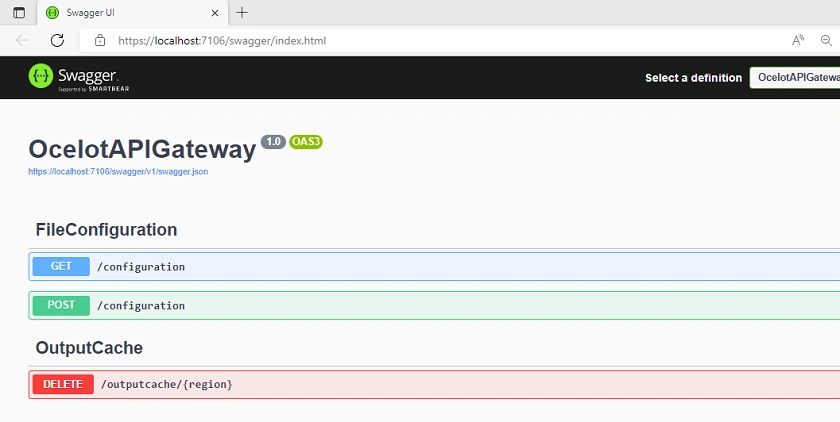
Implementation of Ocelot API Gateway
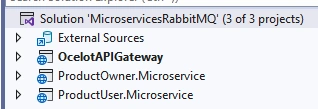
Step 1
Create Ocelot API Gateway Project inside the same solution
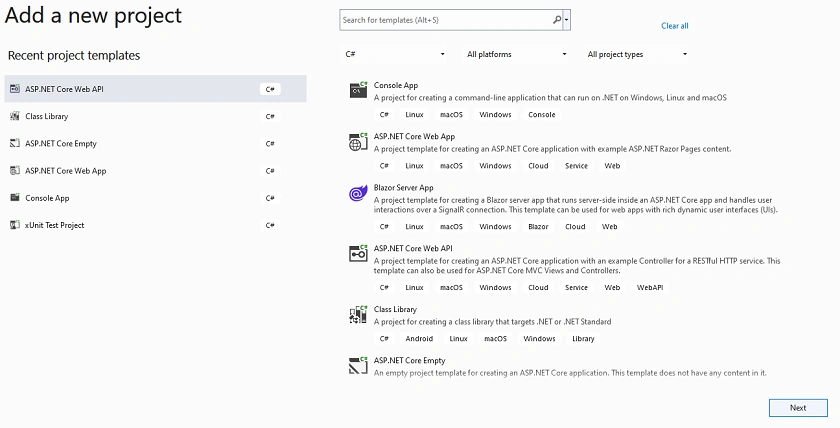
Step 2
Configure your project
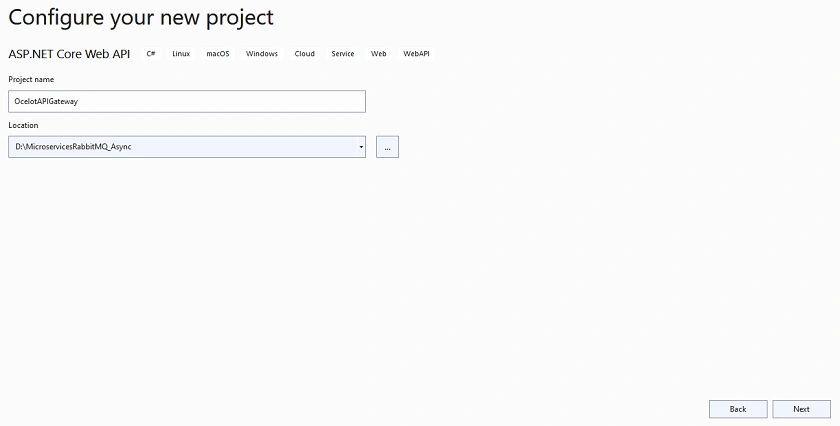
Step 3
Provide additional information about your project
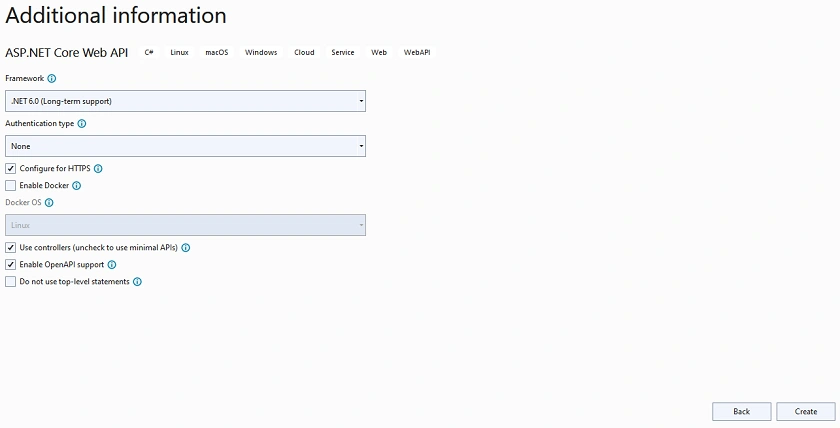
Step 4
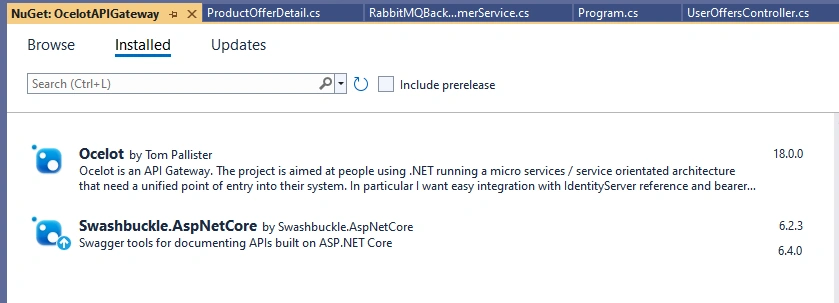
Install the following NuGet Package
Step 5
Configure a few services inside the Program class related to ocelot and CORS Policy
using Ocelot.DependencyInjection;
using Ocelot.Middleware;
var builder = WebApplication.CreateBuilder(args);
// Add services to the container.
builder.Services.AddCors(options => {
    options.AddPolicy("CORSPolicy", builder => builder.AllowAnyOrigin().AllowAnyMethod().AllowAnyHeader());
});
builder.Configuration.AddJsonFile("ocelot.json", optional: false, reloadOnChange: true);
builder.Services.AddOcelot(builder.Configuration);
builder.Services.AddControllers();
// Learn more about configuring Swagger/OpenAPI at https://aka.ms/aspnetcore/swashbuckle
builder.Services.AddEndpointsApiExplorer();
builder.Services.AddSwaggerGen();
var app = builder.Build();
// Configure the HTTP request pipeline.
app.UseSwagger();
app.UseSwaggerUI();
app.UseCors("CORSPolicy");
app.UseHttpsRedirection();
app.UseAuthorization();
app.MapControllers();
await app.UseOcelot();
app.Run();
Step 6
Create an ocelot.json file and put the API’s endpoints and configuration related to that
{
  "GlobalConfiguration": {
    "BaseUrl": "https://localhost:7106/"
  },
  "Routes": [
    {
      "UpstreamPathTemplate": "/gateway/product",
      "UpstreamHttpMethod": [ "Get" ],
      "DownstreamPathTemplate": "/api/products",
      "DownstreamScheme": "http",
      "DownstreamHostAndPorts": [
        {
          "Host": "localhost",
          "Port": 4201
        }
      ]
    },
    {
      "UpstreamPathTemplate": "/gateway/product/{id}",
      "UpstreamHttpMethod": [ "Get" ],
      "DownstreamPathTemplate": "/api/products/{id}",
      "DownstreamScheme": "http",
      "DownstreamHostAndPorts": [
        {
          "Host": "localhost",
          "Port": 4201
        }
      ]
    },
    {
      "UpstreamPathTemplate": "/gateway/product",
      "UpstreamHttpMethod": [ "Post" ],
      "DownstreamPathTemplate": "/api/products",
      "DownstreamScheme": "http",
      "DownstreamHostAndPorts": [
        {
          "Host": "localhost",
          "Port": 4201
        }
      ]
    },
    {
      "UpstreamPathTemplate": "/gateway/product/sendoffer",
      "UpstreamHttpMethod": [ "Post" ],
      "DownstreamPathTemplate": "/api/products/sendoffer",
      "DownstreamScheme": "http",
      "DownstreamHostAndPorts": [
        {
          "Host": "localhost",
          "Port": 4201
        }
      ]
    },
    {
      "UpstreamPathTemplate": "/gateway/offers",
      "UpstreamHttpMethod": [ "Get" ],
      "DownstreamPathTemplate": "/api/useroffers",
      "DownstreamScheme": "http",
      "DownstreamHostAndPorts": [
        {
          "Host": "localhost",
          "Port": 4202
        }
      ]
    },
    {
      "UpstreamPathTemplate": "/gateway/offers/{id}",
      "UpstreamHttpMethod": [ "Get" ],
      "DownstreamPathTemplate": "/api/useroffers/{id}",
      "DownstreamScheme": "http",
      "DownstreamHostAndPorts": [
        {
          "Host": "localhost",
          "Port": 4202
        }
      ]
    }
  ]
}
- The Ocelot file has two sections: one is Global Configuration, which acts as an entry point of our application; and the other is Routes, which is used to define routes of our microservices.
- UpstreamPathTemplate is used to receive client requests and redirects them to the particular microservice.
- UpstreamHttpMethod is used to define HTTP attributes, which helps the gateway to get the type of request.
- DownstreamTemplatePath is the microservice endpoint that takes the request from UpstreamPathTemplate.
- DownstreamScheme defines the scheme of a request.
- DownstreamHostAndPorts defines the hostname and port number of microservices that are present inside the lauchSetting.json file.
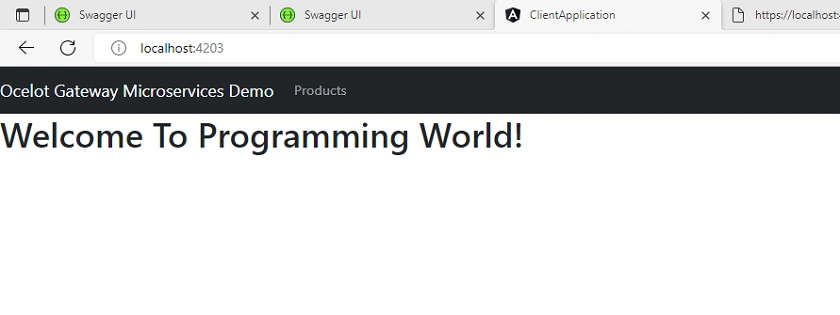
Implementation of Client Application to consume one service
Here we consume one microservice for demo purpose
Step 1
Create Angular Application
ng new ClientApplication
Step 2
We use bootstrap in this application. So, use the following command to install bootstrap.
npm install bootstrap
Step 3
Next, add the bootstrap script inside the angular.json file inside the scripts and styles section.
"styles": [
             "src/styles.css",
             "./node_modules/bootstrap/dist/css/bootstrap.min.css"
           ],
           "scripts": [
             "./node_modules/bootstrap/dist/js/bootstrap.min.js"
           ]
Step 4
Create ProductOfferDetail class inside the Model folder.
export class ProductOfferDetail {
    id?: number;
    productID?: number;
    productName?: string;
    productOfferDetails?: string;
}
Step 5
Create the following component
ng g c user
user.component.ts
import { Component, OnInit } from '@angular/core';
import { Observable } from 'rxjs';
import { ProductOfferDetail } from '../Model/ProductOfferDetail';
import { UserService } from '../user.service';

@Component({
    selector: 'app-user',
    templateUrl: './user.component.html',
    styleUrls: ['./user.component.css']
})
export class UserComponent implements OnInit {
    ProductList ? : Observable < ProductOfferDetail[] > ;
    ProductList1 ? : Observable < ProductOfferDetail[] > ;
    constructor(private userService: UserService) {}
    ngOnInit() {
        setTimeout(() => {
            this.getUserList();
        }, 1000);
    }
    getUserList() {
        this.ProductList1 = this.userService.getUserList();
        this.ProductList = this.ProductList1;
    }
}
Hamid KhanPosted Aug 25, 2022, 12:12 PM
Awesome explanation and effort