

Introduction
- This is a series of articles to get our hands dirty with Durable Functions and their patterns in detail
- Please refer to my previous article to understand the basics of durable functions
- In this article, we will cover the Fan-out/fan-in pattern
It will cover the following things,
- Application Patterns
- Pre-requisites
- What is a Fan-out/fan-in pattern?
- Hands-on Lab – Create durable function using Fan-out/fan-in pattern in C#
- Hands-on Lab – Deploy a durable function using Fan-out/fan-in pattern on Azure
Application patterns
The following application patterns can benefit from Durable Functions,
- Chaining
- Fan-out/fan-in(COVERED in this article)
- Async HTTP APIs
- Monitoring
- Human interaction
- Aggregator (stateful entities)
Pre-requisites
These are pre-requisites to start working on durable functions,
- An Azure pay-as-you-go account enabled
- Install Visual Studio 2019
- Install Azure Storage Emulator
What is a Fan-out/fan-in pattern?
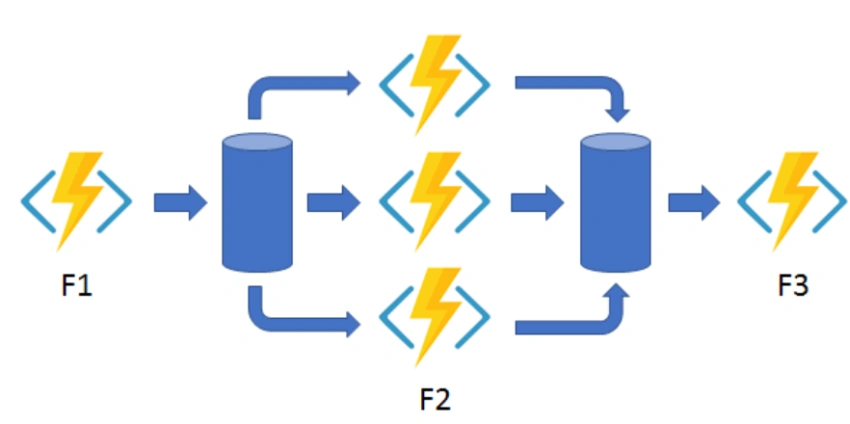
In the fan-out/fan-in pattern, we execute multiple functions in parallel and then wait for all functions to finish. Often, some aggregation work is done on the results that are returned from the functions.
Hands-on Lab – Create a durable function in C#
Steps to be followed,
Open VS 2019 and create a project
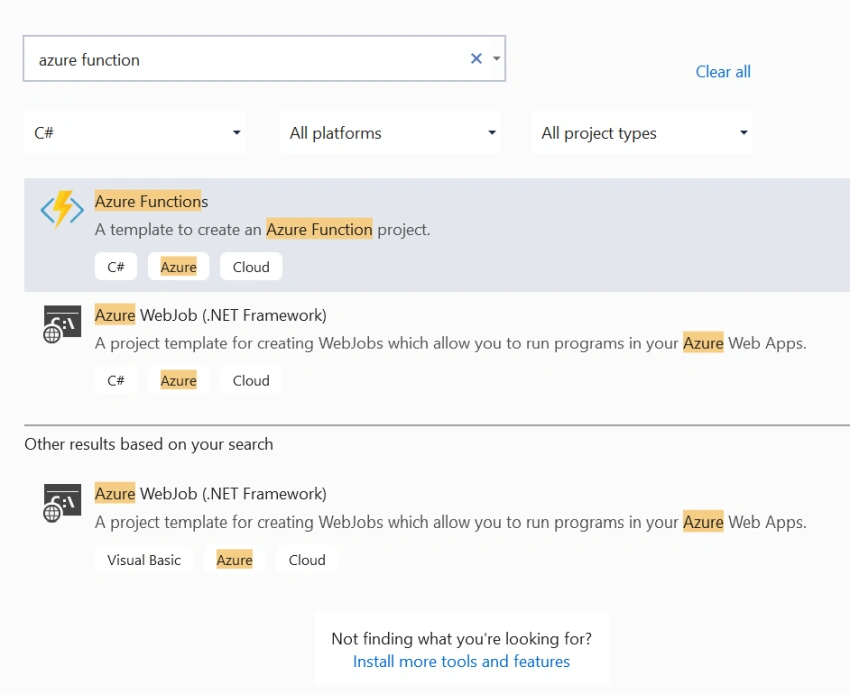
Choose Azure function template and create a directory
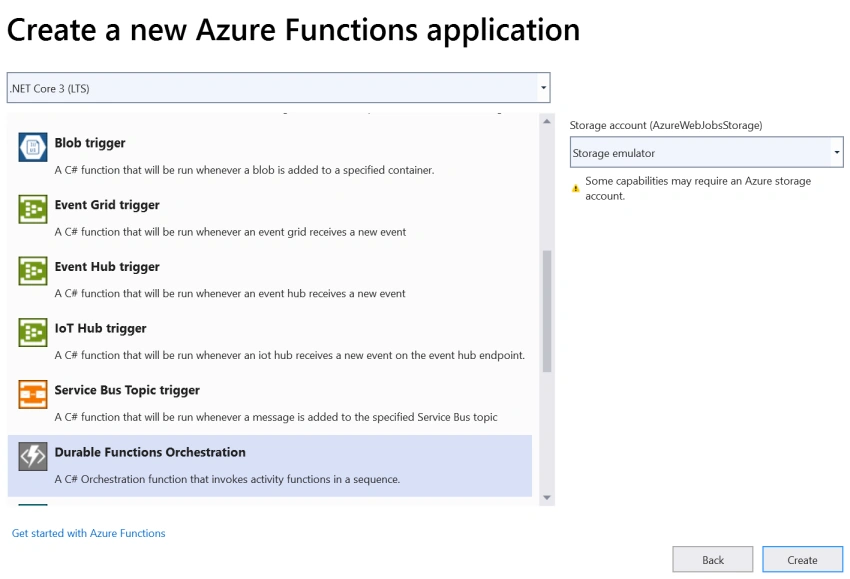
Choose durable functions orchestration template.
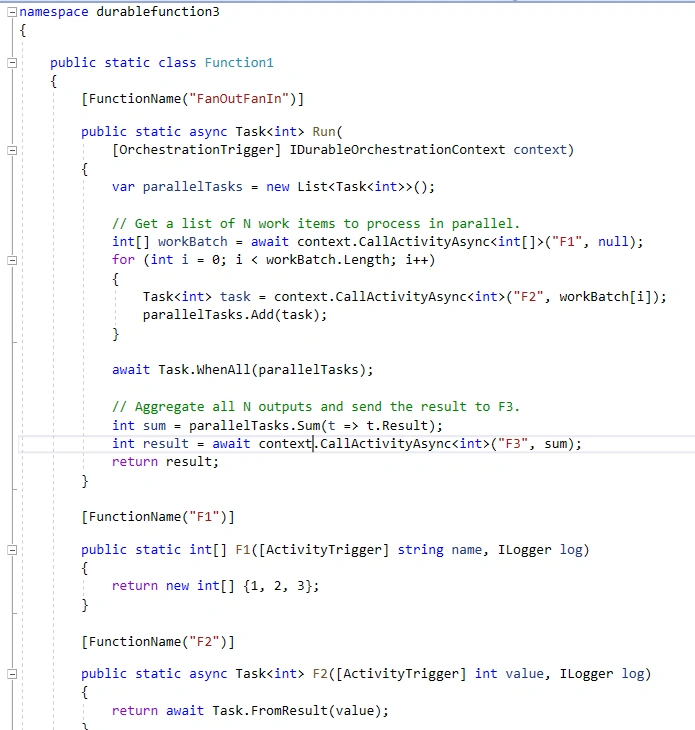
Once the application has been created, we will add these functions,
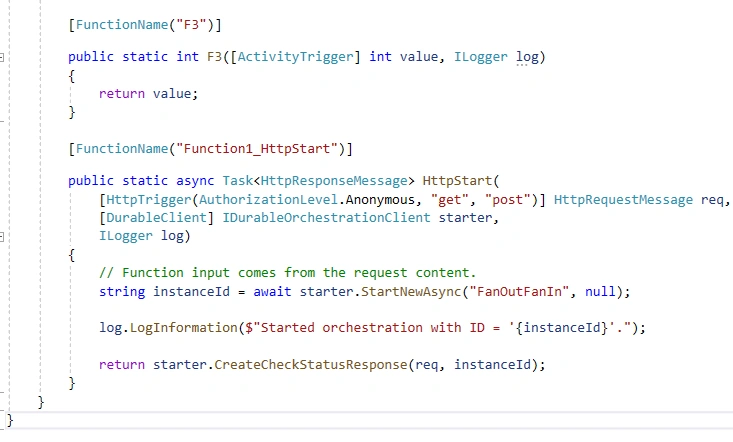
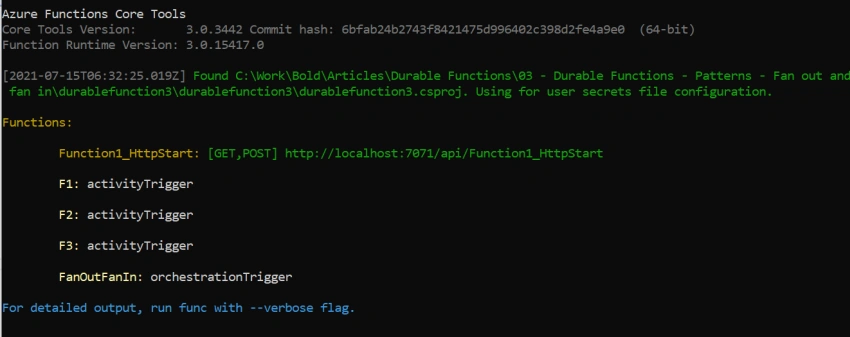
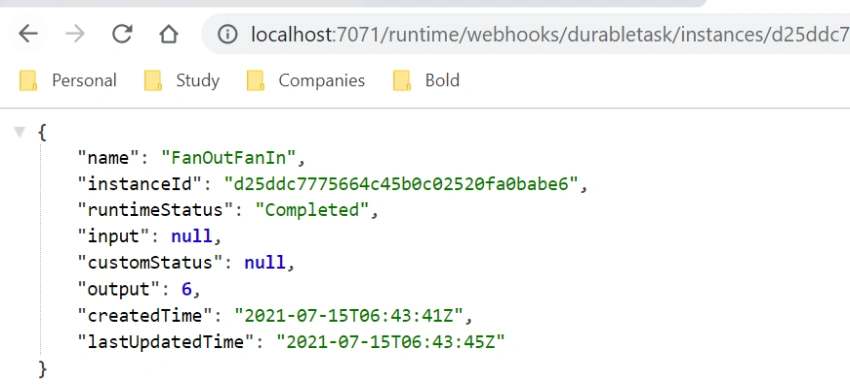
- Fan-in/Fan-out – Main functionality function which internally calls multiple functions in parallel and aggregates the response to pass into another function to return the result.
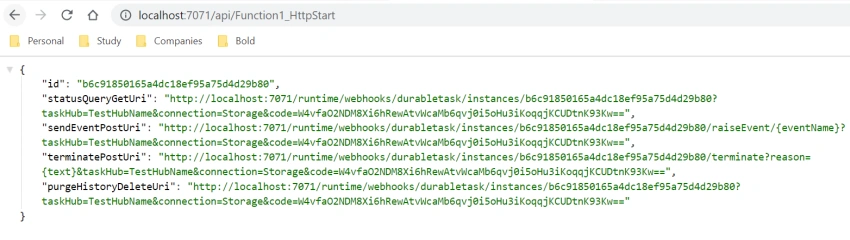
- Function1_HttpStart – Function in the form of HTTP trigger which is responsible for initiating Fan-in/Fan-out and gather the response.
Join the conversation! Your thoughts help the community grow.