

Microsoft Azure app Service API apps offers secure and flexible development, easy deployment including continous delivery, accessing On-Permises data, Web jobs for background processing, high availability and scaling options for any sized RESTful API Applications. Use frameworks and templates to create RESTful APIs in seconds. Azure API apps are well known for automatic OS patching. You can use any tool or an opearting system to develop your RESTful API with .NET, Java, Node.js, PHP or Python.
- Fastest and easy way to build productivity developement.
- Provision and deploy fast and consume API.
- Simple develop, host access control and authentication.
- Secure platform, which scales automatically with hybrid connectivity.
- New Developement experience with API features.
- API definition for the Website host.
- Swagger metadata, which is integrated with API app.
- Easy connectivity with all apps.
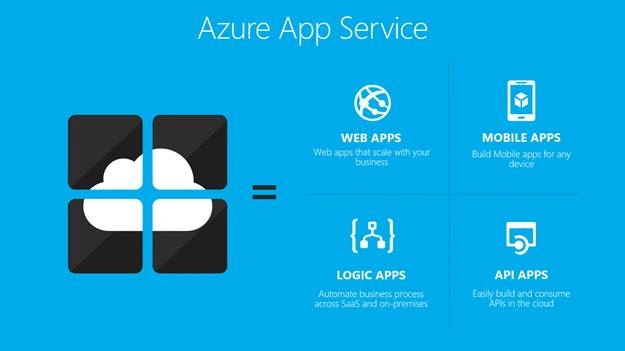
Source - https://docs.microsoft.com/en-us/azure/app-service-api/app-service-api-apps-why-best-platform
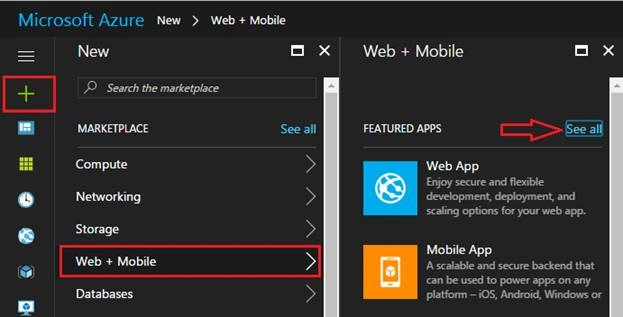
Create a Azure API app Service from Azure portal,;login to your credentials and go to New and select Web+Mobile. In featured apps , you may get API app. If it is not there, then click See all options.
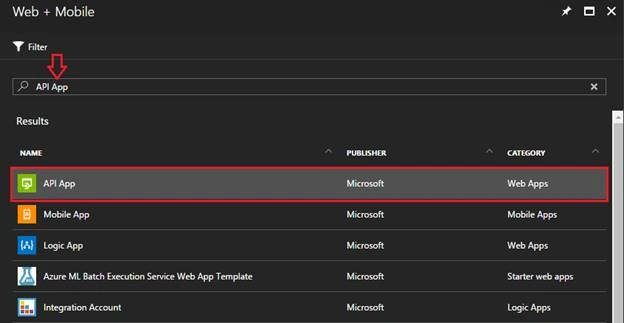
Type API app and select it from the given list.
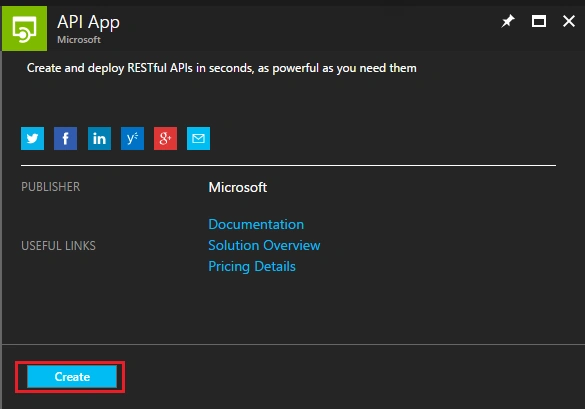
Click Create button to create a new API app.
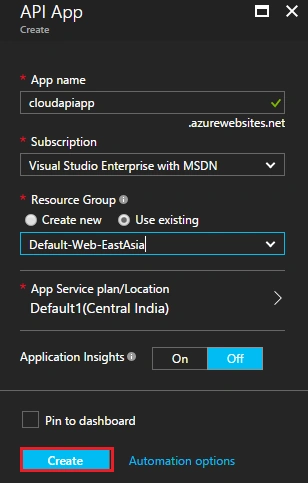
Give a name to your API app, your default subscription will be selected by default and I have selected an existing resource group for my app.
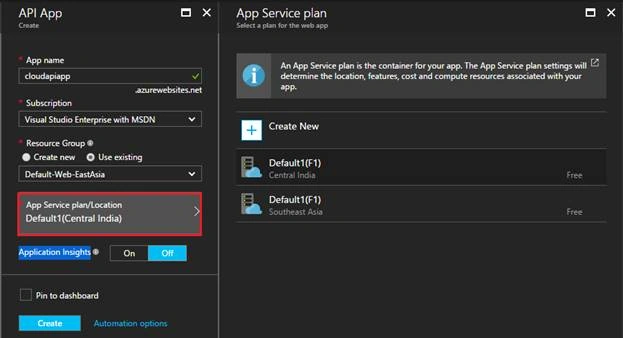
App Service Plan/Location is your physical resource, where you host your apps. API app associates with one app Service Plan/Location. You can create a new plan for your app by clicking it.
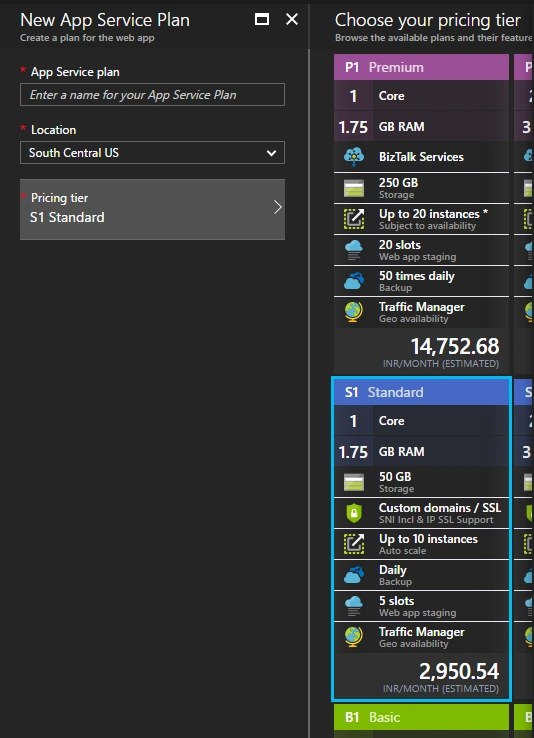
You have to choose one pricing tier P1 Premium or S1 Standard or B1 basic for your app.
Application insights contain tools, which can be used to manage your app behavior. After filling all the necessary details, click Create button to create an API app.
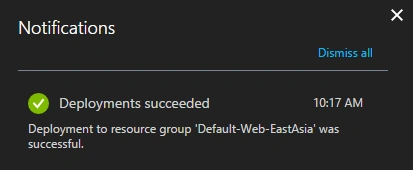
When your app will create under your selected resource group, a notification appears.
Whenever your app is created, then you can manage your app such as Deployment settings, Settings, app Service plan, deployment tools, API, Monitoring and some common setting related to the app.
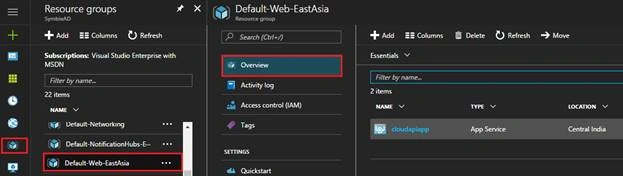
You can manage and see your app by clicking Overview, where would all the details be, which are available for your app.
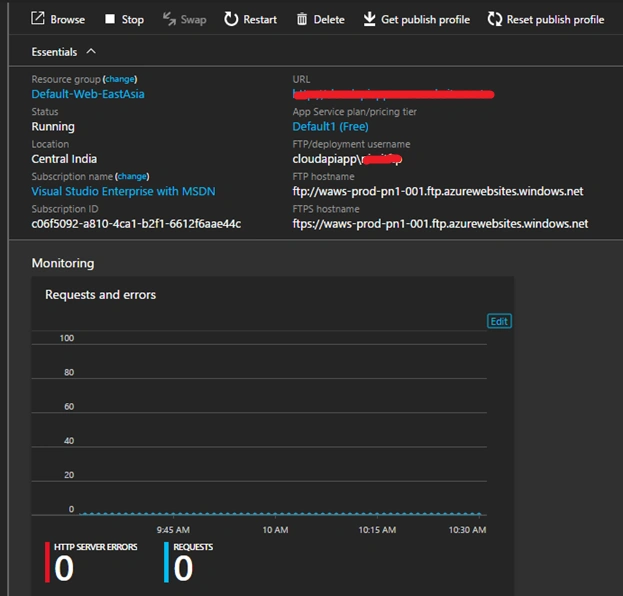
Host your app Service to the existing app on Azure
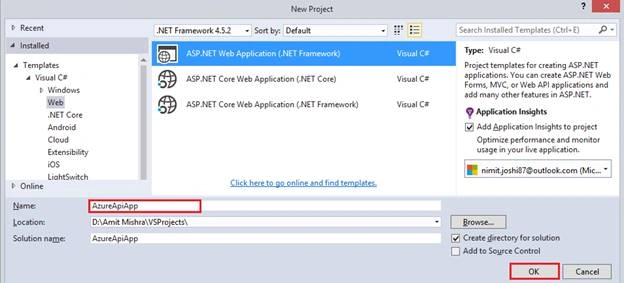
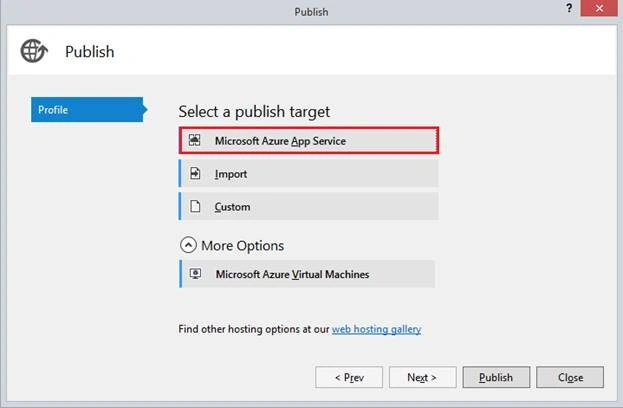
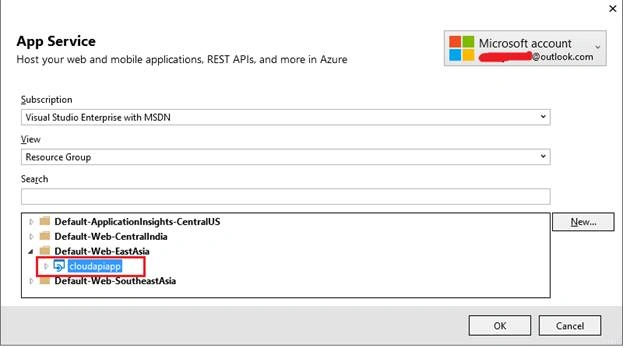
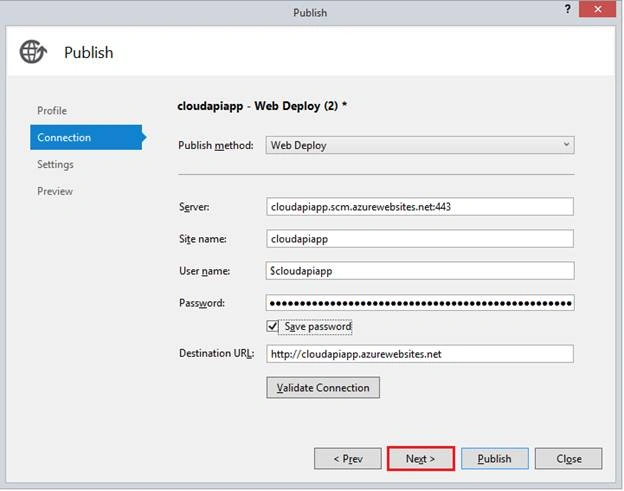
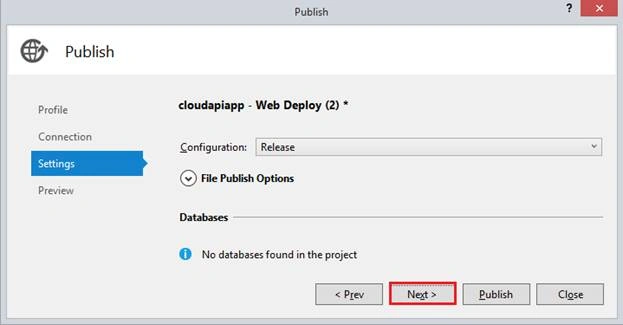
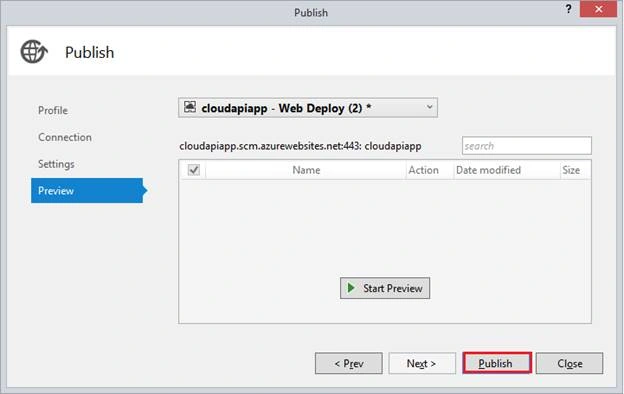
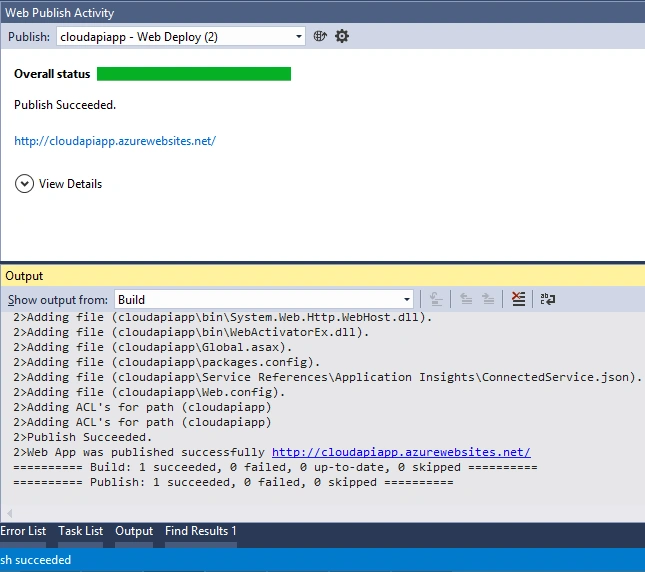
I’m going to create an Azure API app from Visual Studio 2015 and I will publish it to our existing API app. Thus, let’s create a new solution and give it a name.
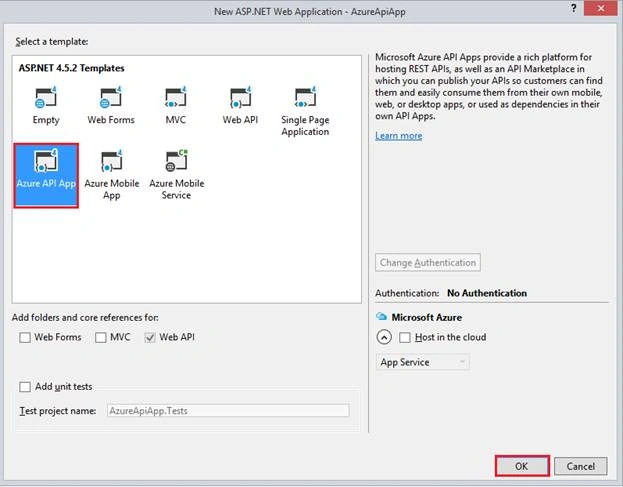
Select Azure API app template from the templates.
Create a model class by right clicking on Models folder in the solution.
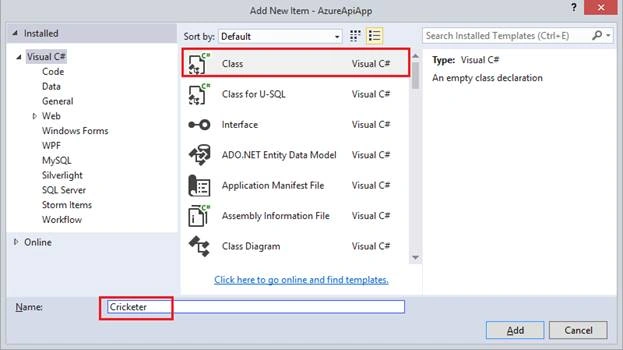
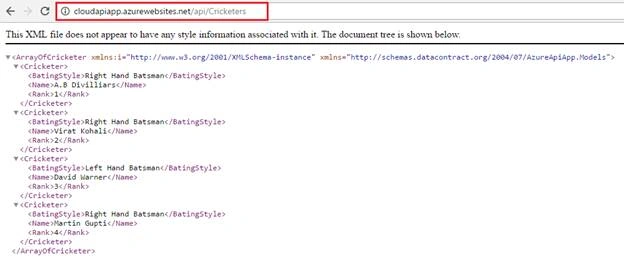
In the class, I have created three properties.

Join the conversation! Your thoughts help the community grow.