
Introduction
This article shows how to add an image to the title bar of your website.
To explain this functionality I will create an empty website with a web form in the website. Use the following procedure to do that.
Step 1: Create an ASP.NET empty website named "ImageInTitle".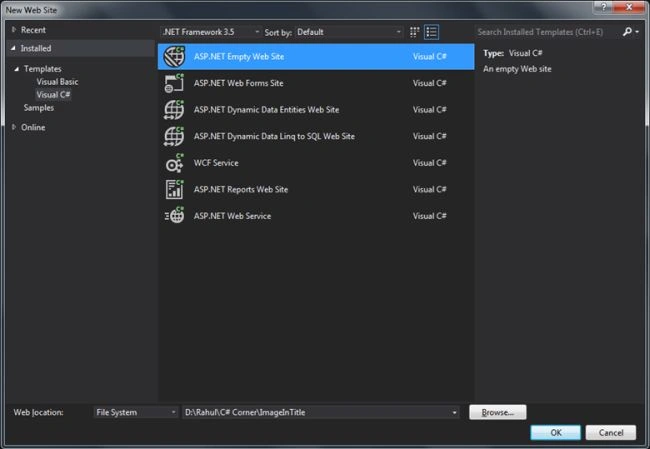
Step 2 : Add a web form named "Default.aspx" to it.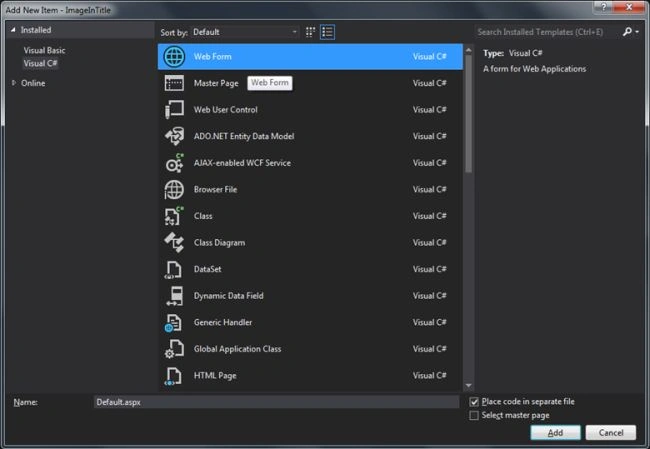
The page will look like: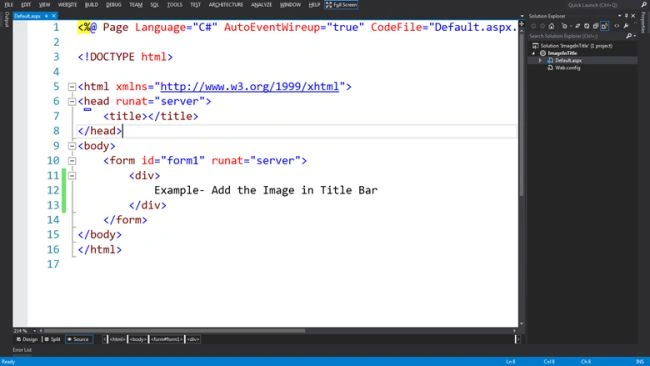
Purpose: I want add an image in the title bar of the page or entire website as in the following running page.
Solution: You can do this with an ".ico" image file.
1. Create an ".ico" image file; I am using the "My_Icon.ico" image file.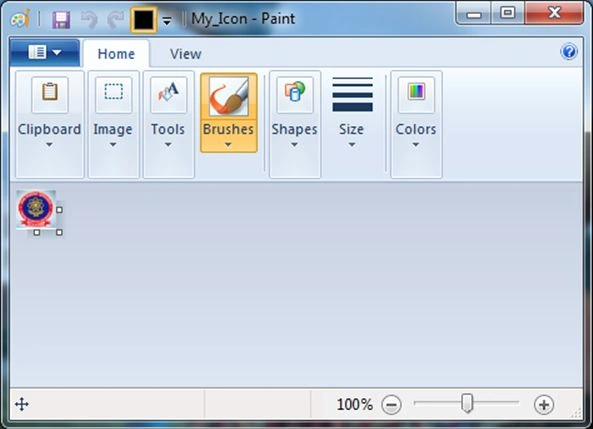
2. Add the Image file into the website and also add the link tag to the "head" section of the page.
<link rel="shortcut icon" href="My_Icon.ico" />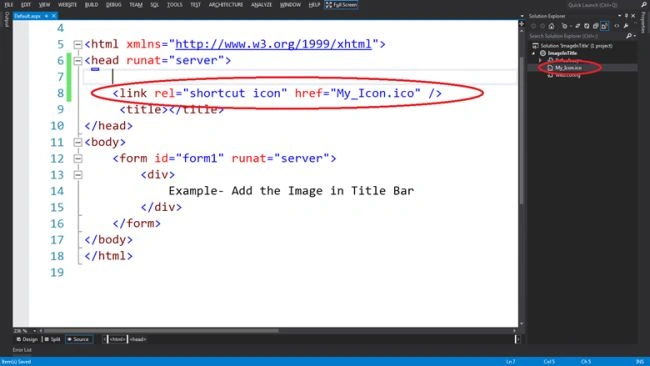
Note: You can add this link tag into your master page or header page that you are using in the website as a common control.
3. After adding the ".ico" file into your website run the page in various browsers.
Internet Explorer
Mozilla Firefox
Google Chrome
Summary
I have demonstrated how to add an image to the title bar of your web page or website.

Join the conversation! Your thoughts help the community grow.