

Here, I will explain Edit_Update data from a database in a Windows Forms form. Before this I explained How to insert data into database using code.
Step 1: Registration form with update button
Drag and down a button from the toolbox and provide it a name such as Update.
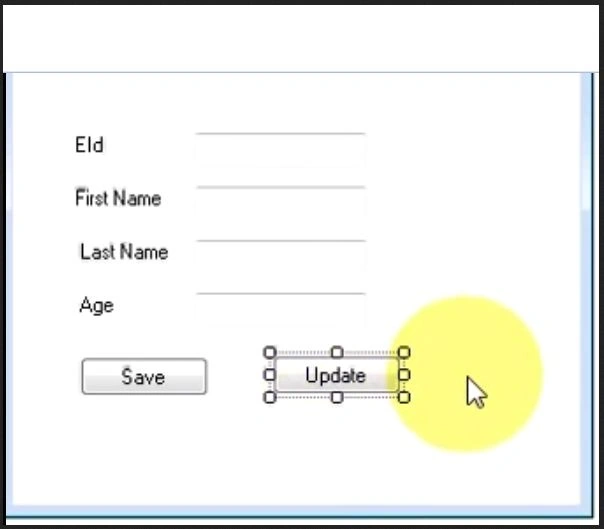
Step 2: Code
Double-click on the update button and write the code, the database is the same as shown you in Insert Data Into Database in Windows Forms.
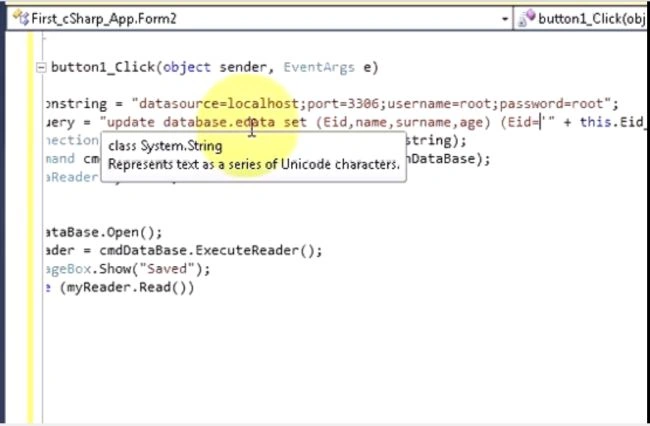
using System;
using System.Collections.Generic;
using System.ComponentModel;
using System.Data;
using System.Drawing;
using System.Text;
using System.Windows.Forms;
using System.Data.SqlClient;
namespace First_Csharp_app
{
public partial class Form1 : Form
{
public Form1()
{
InitializeComponent();
}
private void Update_Click(object sender, EventArgs e)
{
SqlConnection con = new SqlConnection(str);
String str = "server=MUNESH-PC;database=windowapp;UID=sa;password=123";
String query = "update set Name = '" + this.name_txt.Text + "', Surname= '" + this.surname_txt.Text + "',Age= '" + this.Age_txt.Text + "' where ID= '" + this.id_txt.Text + "' ";
SqlCommand cmd = new sqComamnd(query, con);
SqlDataReader dbr;
try
{
con.open();
dbr = cmd.ExecuteReader();
MessageBox.Show("Updated data");
while (dbr.read())
{
}
}
catch (Exception es)
{
MessageBox.Show(es.Message);
}
}
}
}
Step 3: Output
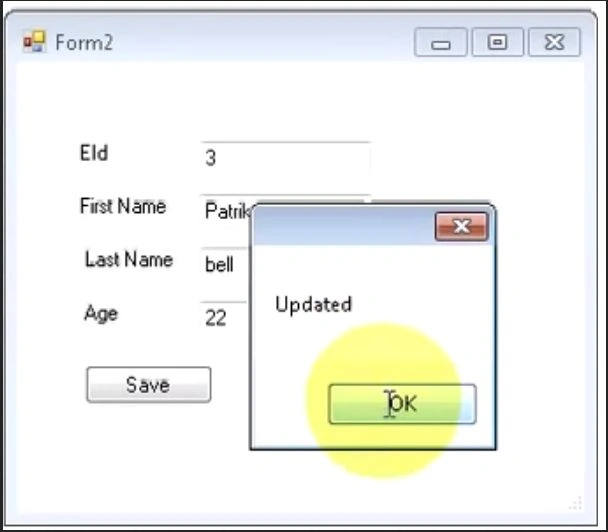
Nigel BoothPosted Sep 27, 2022, 11:04 AM
Hi Munesh, shouldn't there be a con.Close() statement after the while loop?