

Introduction
This article explains how to use $select in ASP.NET Web API OData. Here we install the ASP.NET Web API2 OData Package. By using the $select we can find specified data from the controller.
$select: By using this query an option is provided to the user for selecting the desired set of information. It decides what field is to be returned to the user. When we use the $select operator it allows the user to create the subset of the entities and selects that paricualr set of data.
Let's see an example.
Step 1
Create an application using the Web API 2.
- Start Visual Studio 2013.
- From the Start Window select "New Project".
- Select "Installed" -> "Templates" -> "Visual C#" -> "Web" and select ASP.NET Web Application.
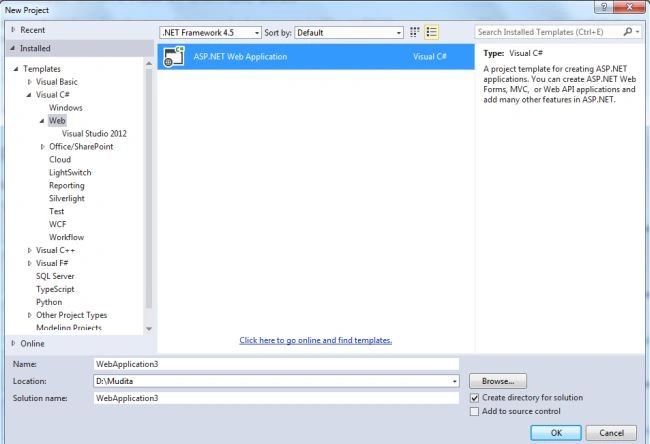
- Click on the "OK" button.
- From the ASP.NET project window select "Web API".
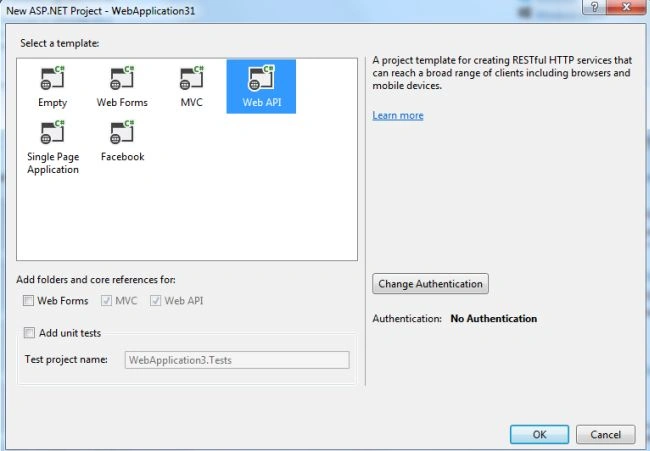
- Click on the "Create Project" button.
Step 2
Add a Model Class.
- In the "Solution Explorer".
- Right-click on the Model Folder.
- Select "Add" -> "Class".
- Select "Installed" -> "Visual C#" and select "Class".
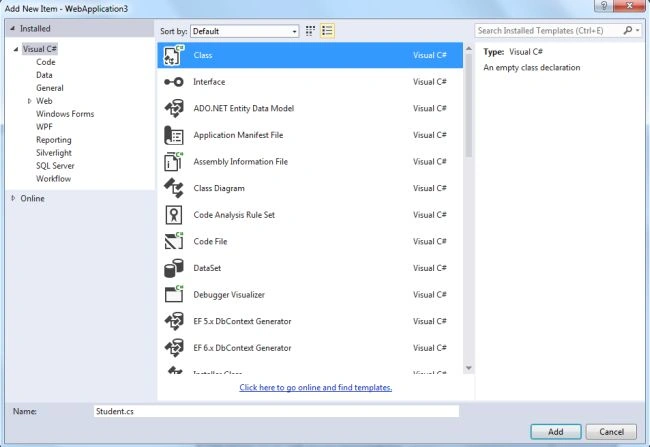
- Click on the "OK" button.
Add the following code:
- using System;
- using System.Collections.Generic;
- using System.Linq;
- using System.Web;
- namespace WebApplication3.Models
- {
- public class Student
- {
- public int ID { get; set; }
- public string Name { get; set; }
- public string Address { get; set; }
- public int Marks { get; set; }
- }
- }
Step 3
Install the "ASP.NET WebAPI2 OData" package.
- Go to the Tools menu.
- Select "Library Package Manager" -> "Manage NuGet Packages For Solutions".
- Now open a Package window.
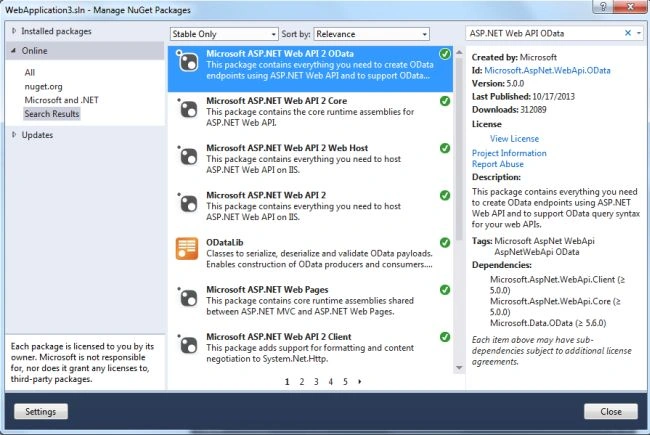
- In the search box type "ASP.NETWebAPIOData" and install it.
Step 4
Create a Web API2 Controller.
-
In the "Solution Explorer".
-
Right-click on the "Controller" folder.
- Select the "Controller" and from the controller window select "Common" -> "Web API".
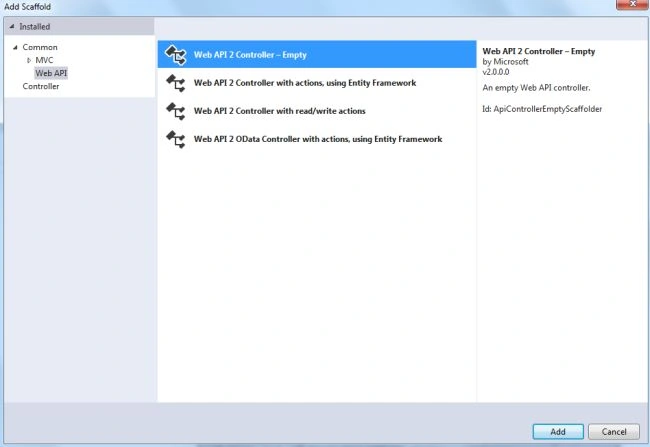
- Select the "Web API2 Empty Controller" and click on the "Add" button.
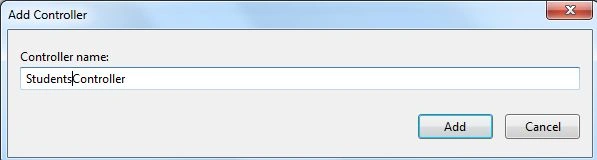
- Change the name and click on the "Add" button.
Add the following code:
- using System;
- using System.Collections.Generic;
- using System.Linq;
- using System.Net;
- using System.Net.Http;
- using System.Web.Http;
- using System.Web.Http.OData.Query;
- using WebApplication3.Models;
- namespace WebApplication3.Controllers
- {
- public class StudentsController : ApiController
- {
- Student[] student = new Student[]
- {
- new Student{ID=1,Name="Student1",Address="Address1",Marks=34},
- new Student {ID=2,Name="Student2",Address="Address2",Marks=67},
- new Student {ID=3,Name="Student3",Address="Address3",Marks=89},
- new Student {ID=4,Name="Student4",Address="Address3",Marks=90}
- };
- // GET api/values
- [Queryable()]
- public IEnumerable<Student>Get()
- {
- return student;
- }
- }
- }
Step 5
Now execute the application and copy the URL.
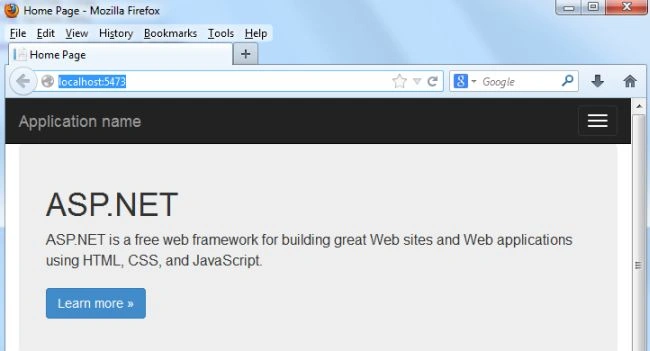
Then open Fiddler.
- Click on the Composer Tab.
- Paste in the copied URL.
- Click on the "Execute button".
- The output display like this.
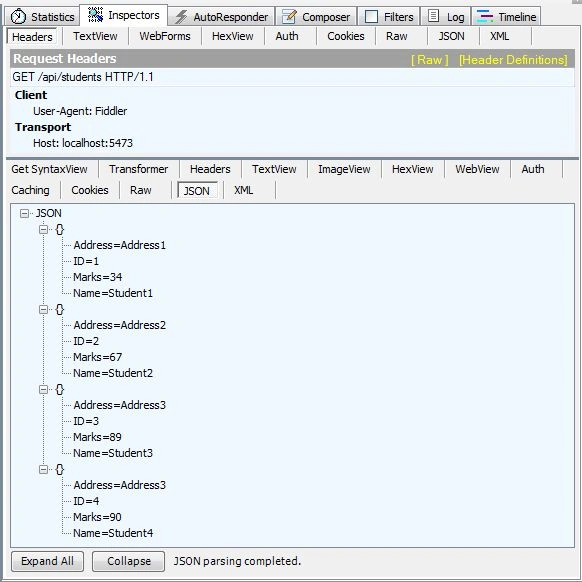
- Now we use the $select command in the URL; the URL looks like this: "http://localhost:5473/api/students?$select=ID,Name".
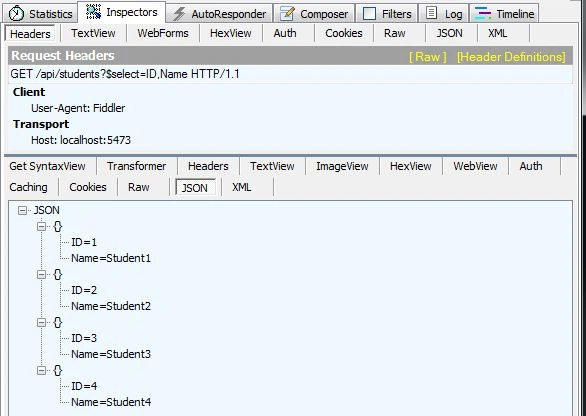
It selects only the ID and Name of the Student.
hoakimPosted Apr 11, 2015, 6:15 PM
Nice article on OData. Here is another one describing much more available operations with OData plus an AngularJS Web client http://wp.me/p3mRWu-JY