
I have a c# form which gets an image then outputs .txt
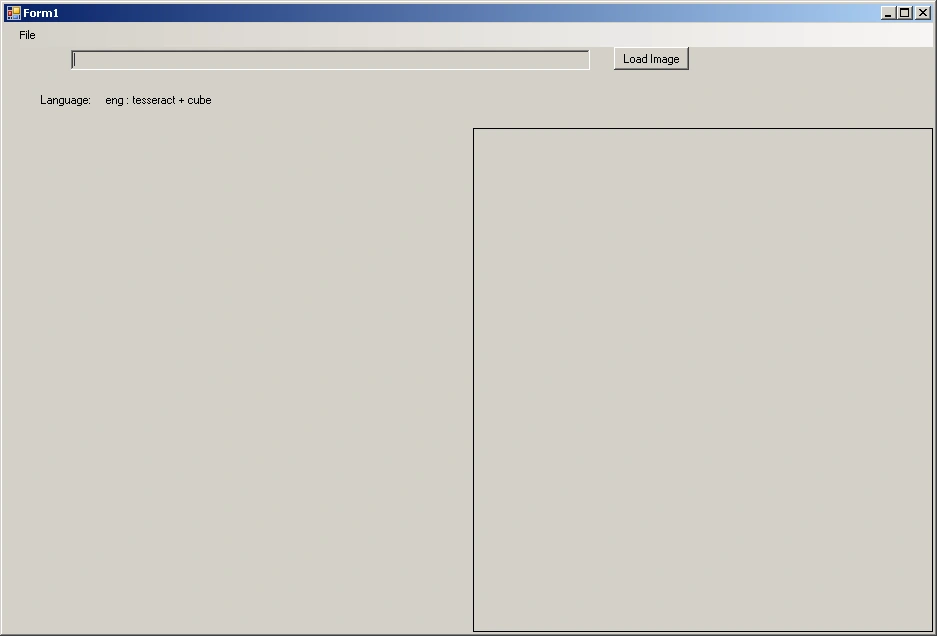
My aim is, I want to run int via console. For example when I type
>>ocr hello.jpg d:
It will run (with 1st argument filename: ocr) , get hello.jpg (second argument: input file) then save the hello.txt to d: (3rd last argument: path)
I have found a nice example which I attached. I can get the row number of arguments but I could not get the values.
using System;
using System.Collections.Generic;
using System.Linq;
using System.Text;
using System.Threading.Tasks;
namespace hello
{
class Program
{
static void Main(string[] args)
{
Console.WriteLine("Number of arguments:" + args.Length);
for (int i = 0; i < args.Length; i++)
{
Console.WriteLine("Argument#" + i + ":" + args);
}
Console.ReadLine();
}
}
}
So, how could I pass the arguments to run it in this manner?
any idea, help will be so helpful.
I am waiting.
Upamanyu Roy ChoudhuryPosted Feb 12, 2013, 2:00 AM
I have made only a small change to your code example and you can easily access it from command prompt.
using System;
using System.Collections.Generic;
using System.Linq;
using System.Text;
namespace CommandLine
{
class Program
{
static void Main(string[] args)
{
Console.WriteLine("Number of arguments:" + args.Length);
for (int i = 0; i < args.Length; i++)
{
Console.WriteLine("Argument#" + i + ":" + args[i]);
}
Console.ReadLine();
}
}
}
The args[i] will print the values of arguments on the console.
Go to the Visual Studio Command Prompt say like the following
D:\Prep\CommandLine\CommandLine\bin\Debug>Dir/x
You will find the .exe their
Then issue the command like this
D:\Prep\CommandLine\CommandLine\bin\Debug>CommandLine Hello.jpg D:
So what you need to do is that put the logic of file copy in a mathod and call it from Main()
Attached is the output snapshot.
If you find the answer as helpful please mark it as an answer
Santhosh Kumar JayaramanPosted Feb 11, 2013, 9:22 PM
Check this
http://csharp.2000things.com/2010/06/30/specify-command-line-arguments-in-visual-studio-2010/