

Note: This article was published on 01/24/2025. --- This is a working note.
Although this topic is ndependent, but it was derived from the Remove IIS Log Files project. So we merge this article into the series of articles for REmove IIS Log Files.
This series of articles are to discuss a task to remove IIS Log Files. We start from doing the task manually, then make automation, and the last deploy the automation to pipelines (different servers):
- Remove IIS Log Files (1) --- Manually
- Remove IIS Log Files (2) --- Automation by Windows Task Scheduler
- Remove IIS Log Files (3) --- Deploy VBScript Automation by Pipeline
- Remove IIS Log Files (4) --- Deploy PowerShell Automation by Pipeline
Issue:
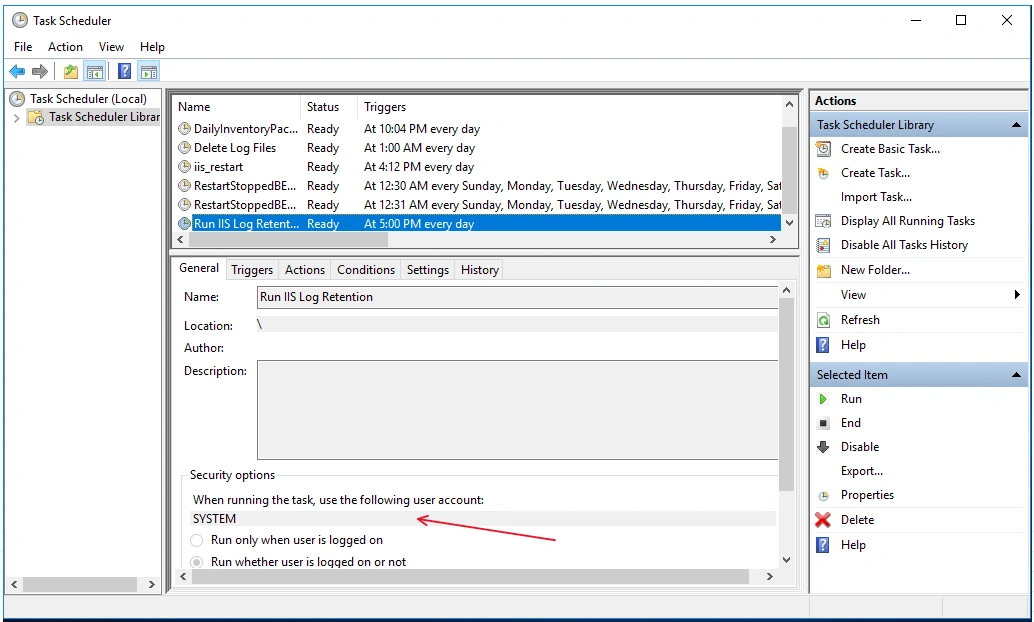
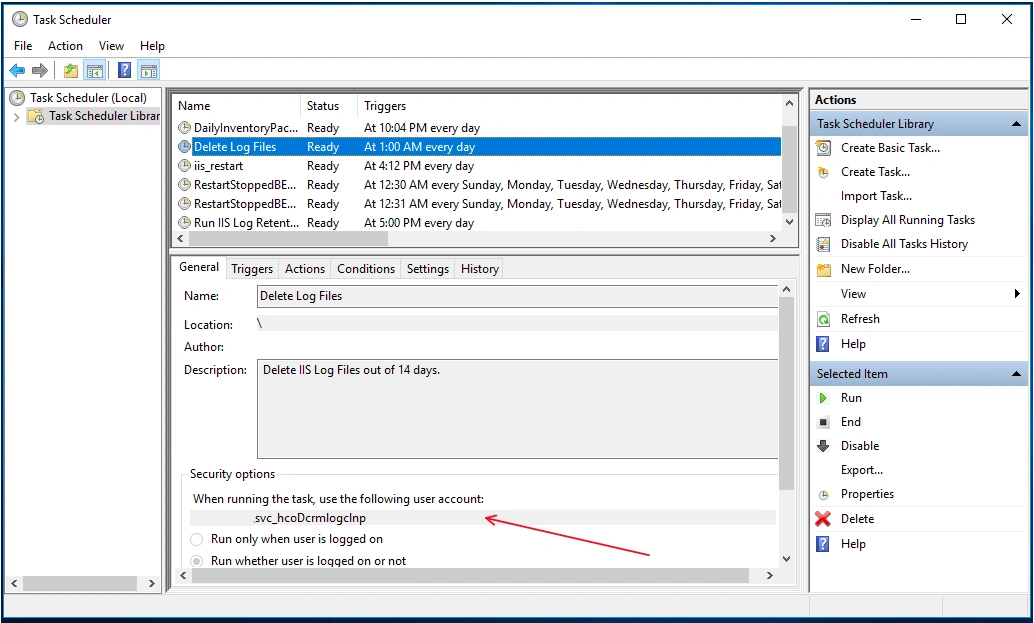
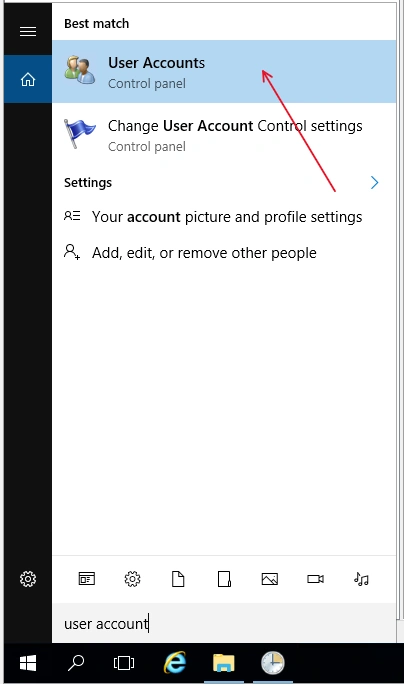
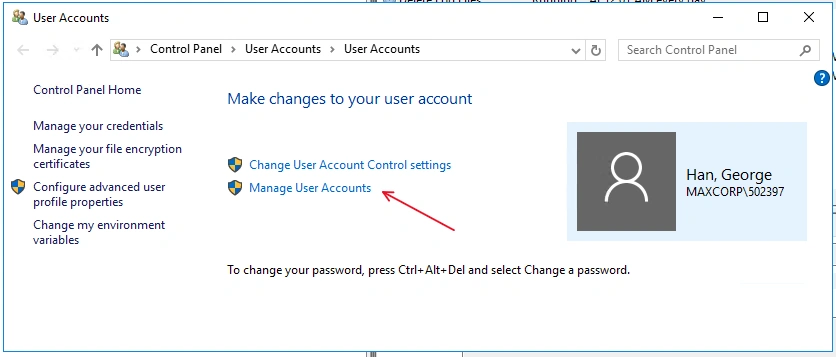
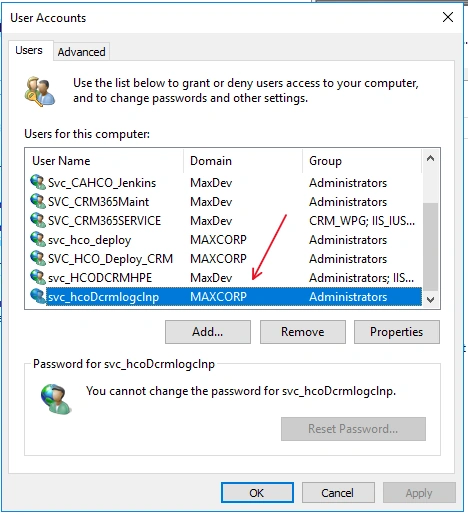
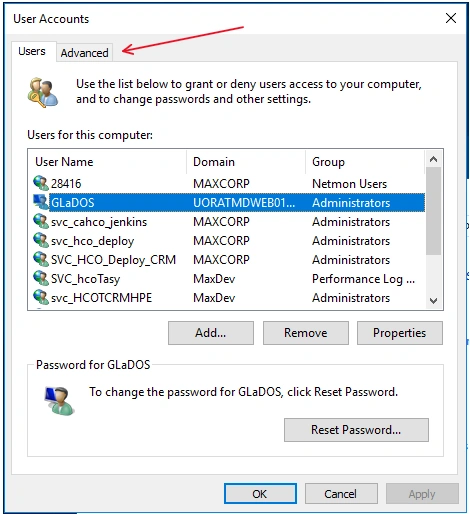
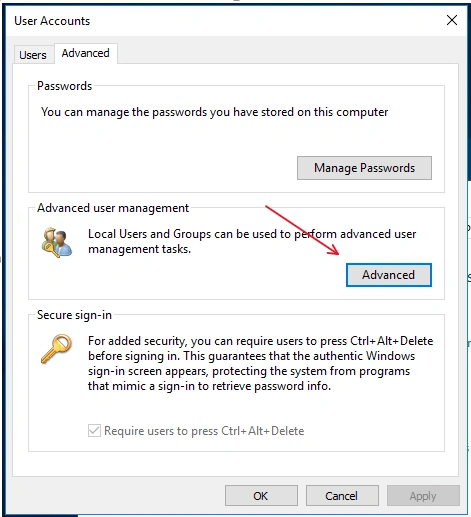
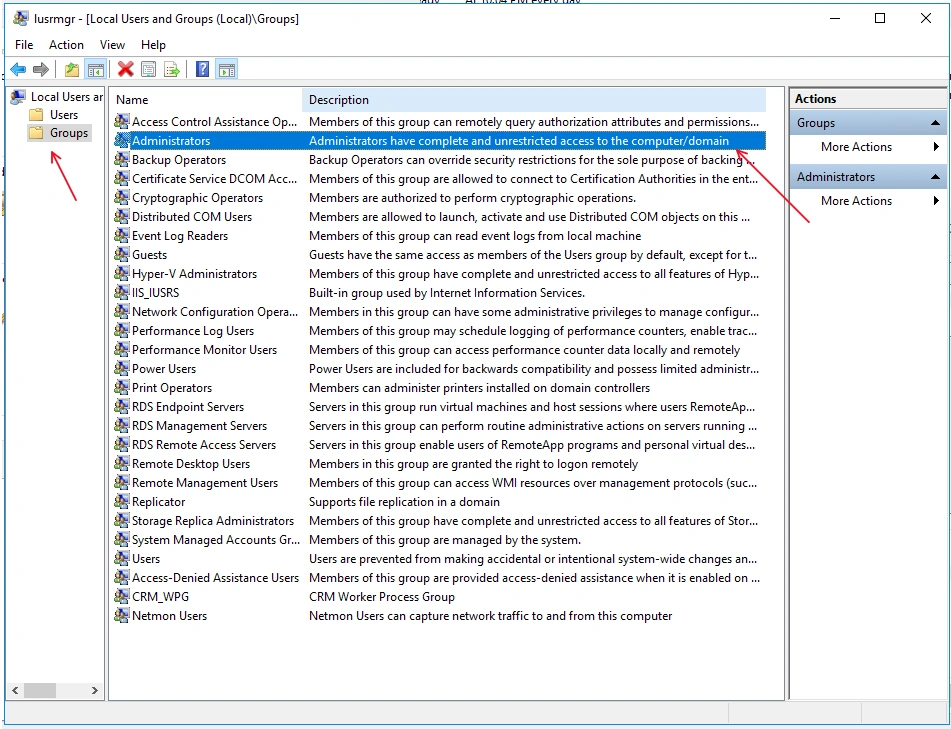
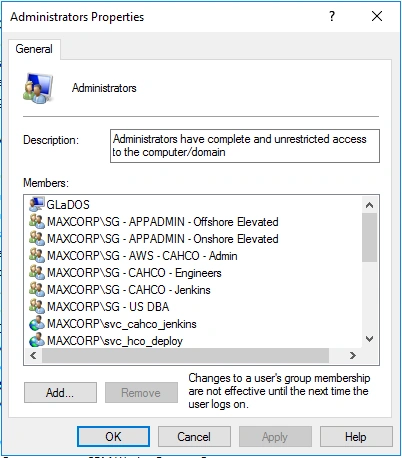
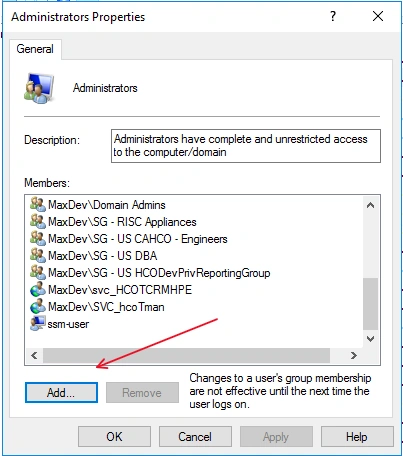
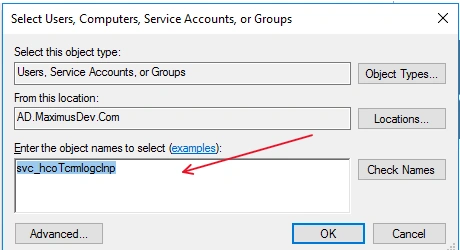
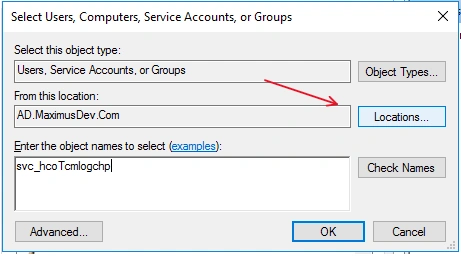
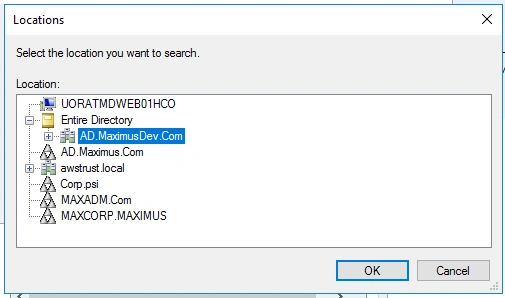
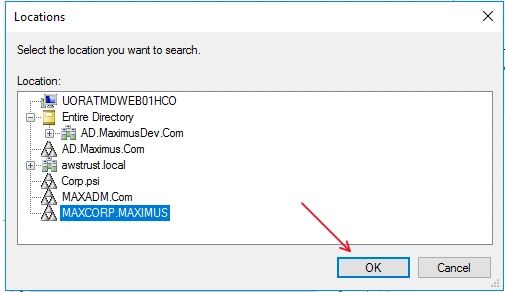
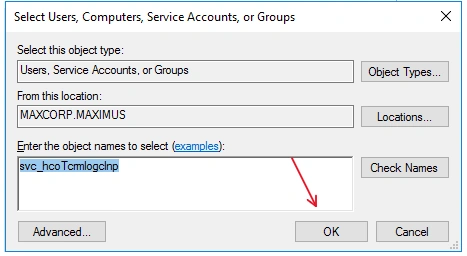
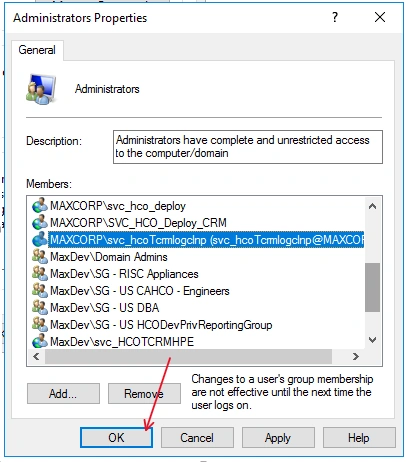
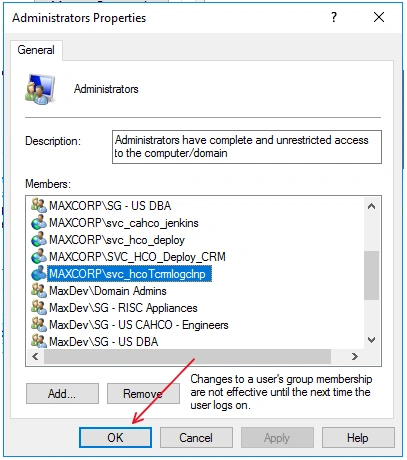
When we setup Task Scheduler, the scheduler needs to be run by a specific account, such as SYSTEM as below:
Join the conversation! Your thoughts help the community grow.