
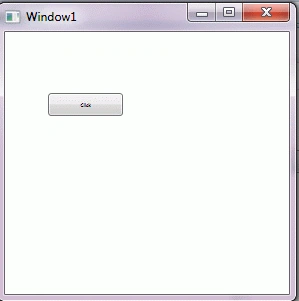
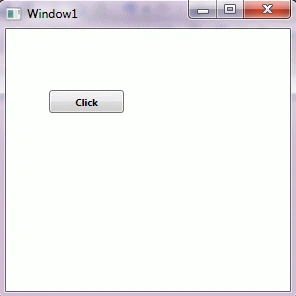
Control Styles in WPF are used to share the structure in a reusable format, which we can apply in most of our controls. These are the styles which we describe in a particular format and then we use it in our control according to our requirement. The Base is <Window.Resources> XML element which contains a <Style> XML element. The <Style> element contains the <Setter> XML elements. Here we take an example of the Button Control. In this program we set the Style of the Button with the help of a Style Attribute:
<Window x:Class="ControlStylesInWPF.Window1"
xmlns="http://schemas.microsoft.com/winfx/2006/xaml/presentation"
xmlns:x="http://schemas.microsoft.com/winfx/2006/xaml"
Title="Window1" Height="300" Width="300">
<Window.Resources>
<Style x:Key="BoldStyle">
<Setter Property="Control.FontSize" Value="10" />
<Setter Property="Control.FontWeight" Value="Bold" />
<Setter Property="Control.BorderThickness" Value="1" />

Control Style in WPF
Join the conversation! Your thoughts help the community grow.
Sign in to leave a comment
It is the same account you read, post and publish with — and you will come straight back to this page.
Kishor TalaPosted Dec 17, 2015, 4:25 AM
thnaks Mahek for this very useful stuff
Stephen JohnsoneditedPosted Feb 22, 2012, 11:32 PMEdited Feb 22, 2012, 11:32 PM
Hi Mahak. You have presented your article very nicely.
Laura ParkerPosted Feb 22, 2012, 11:12 PM
Good job done Mahak.
James LerdorfPosted Feb 21, 2012, 10:52 PM
Thanks for this great useful stuff.