

For my friends that don't know how to create an app, kindly refer to my previous article “Create an App in Office 365 and SharePoint 2013”. Today, yes this will be a part in which we will see numerous web parts in my future articles. People, once you go through my article, the following will be easy. Let's start with the procedure.
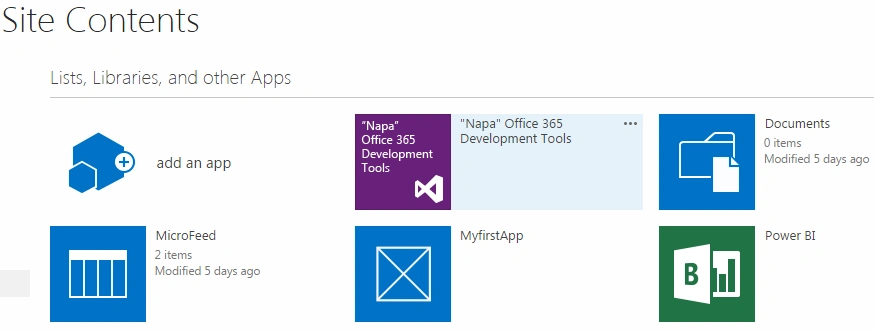
- Go to Site Contents
- Click on the “Napa” Office 365 Development Tool
- Select “App for SharePoint”.
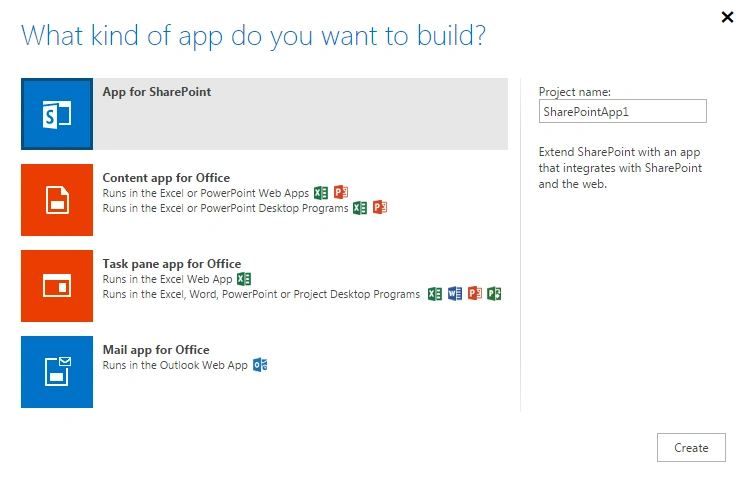
- Provide it a name and click on Create.
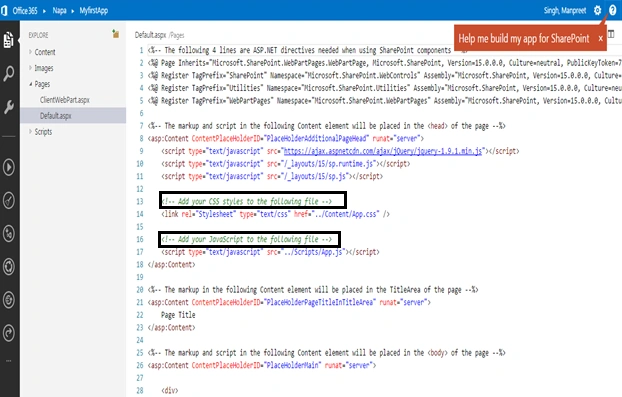
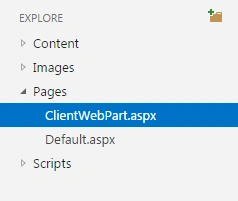
- Click on “ClientWebPart.aspx” on the left side.
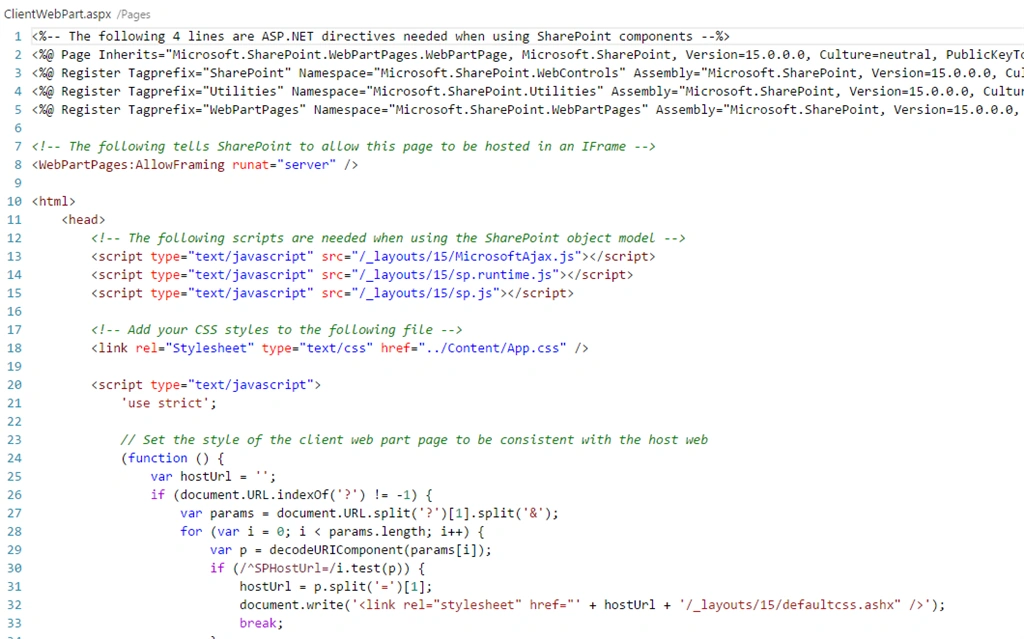
- The basics of all web parts starts with “Hello World”; in a similar way let's bring it on here.
- We will add a button and a function to initiate the event. Click on the “ClientWebPart.aspx” on the left side.
- Paste the following div code on the right side of the .aspx code behind.
- <div id="mymessagediv"></div>
- <button id="btnclk" onclick="mymessage();">Welcome Click me</button>
- Now add the following line of code as a connection to your App.js file.
- <script type="text/javascript" src="../Scripts/App.js"></script>
- Now click on App.js.
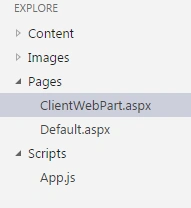
- Add the following function in the App.js file.
- function mymessage()
- {
- document.getElementById("mymessagediv").innerHTML ="<p> Hello World </p>";
- }
- Now you can run the script by clicking on the following icon on the left end.
- Once you make all the necessary updates to the code, click on the Play button that states “Run Project”.
- It will first prepare then deploy then launch.
- Now open your page.
- Edit the page and add it as a web part.
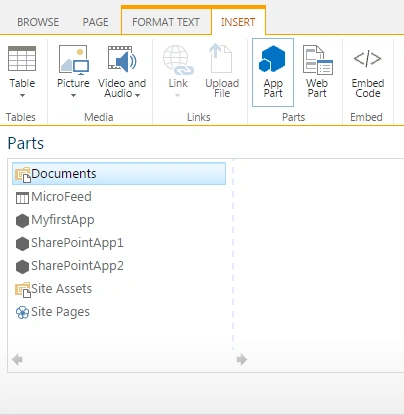
- Insert the App Part, once you click on it add the web part you will be able to see the web part created by the Napa Tool.
- Select and click Add on it.
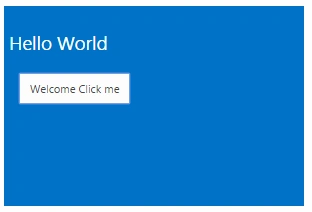
- You will find the following web part added with the button “Welcome Click me”.
- Click on this button and you will see the message “Hello World”.
In this article we have seen our first basic app to start a new venture with Office 365. There is more to come, keep learning! Cheers!
Santhakumar MunuswamyPosted Apr 9, 2015, 4:06 PM
Good