

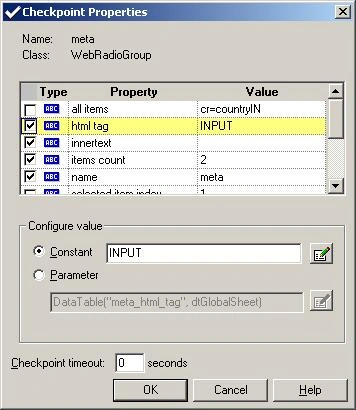
While the specific elements vary slightly depending on the type of object you are checking, the Checkpoint properties dialog box generally includes the following basic elements.
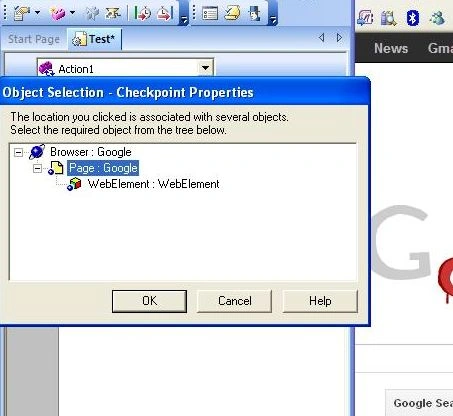
Modifying Checkpoints
You can modify the settings of existing Checkpoints. For example, you can choose to use parameters, or you can use filters to specify which image sources and links to check.
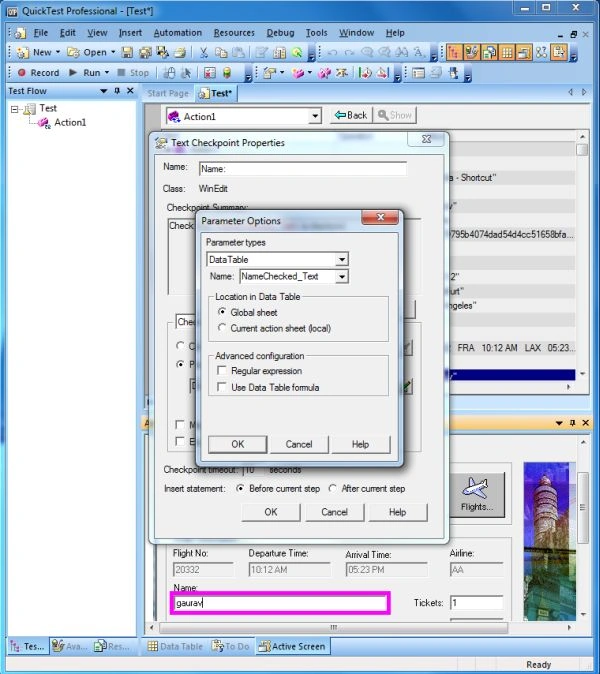
To modify a checkpoint
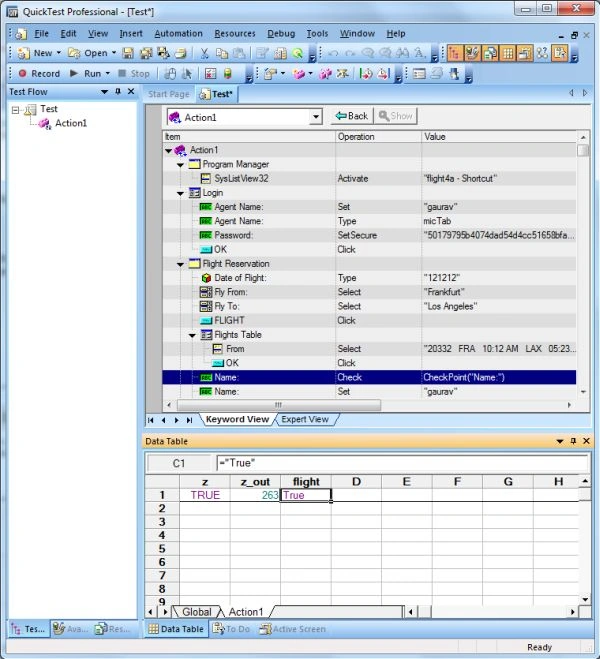
- Right-click a row with a checkpoint in the Keyword View and choose Checkpoint Properties, or select a row with a checkpoint and choose Edit > Step Properties > Checkpoint Properties. The relevant checkpoint dialog box opens.
- Modify the properties and Click OK.
Join the conversation! Your thoughts help the community grow.