

In this blog, you will see how to delete flows that have been created or shared with you which contain “test” keyword in the display name. I have created 2 flows named “Testing” and “Testing 001” which will be deleted using PowerShell.
Refer to my previous blog - How to connect to Microsoft Flow using PowerShell.
Open PowerShell window and run the following script. Enter the credentials in the login pop up window.
- # Add PowerApps Account
- Add-PowerAppsAccount
- # Get all the flow which contains "Test" in the display name
- $flowColl=Get-Flow *test*
- # Loop through the flow collection
- foreach($flow in $flowColl)
- {
- # Get the flow ID
- $flowName=$flow.FlowName
- # Remove the flow
- Remove-Flow -FlowName $flowName -Confirm:$false
- }
Output
Flows deleted successfully.
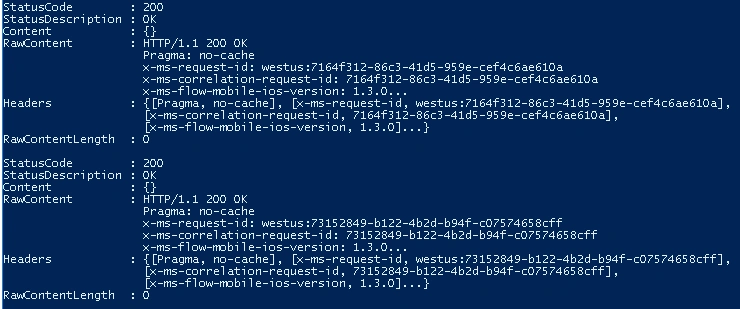
Thus in this blog, you saw how to delete flows using PowerShell.
Deepak VermaPosted Jul 30, 2018, 5:09 AM
Grt job.....................
Viknaraj ManogararajahPosted Jul 25, 2018, 8:19 PM
nice article..