

Today i am explaining how to upload image in mvc and save the image in project folder.
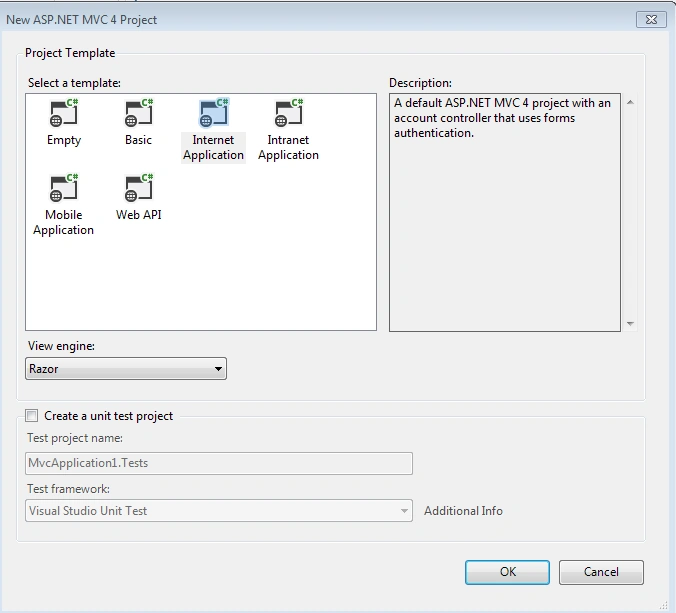
Create a new MVC project, and choose the following template.
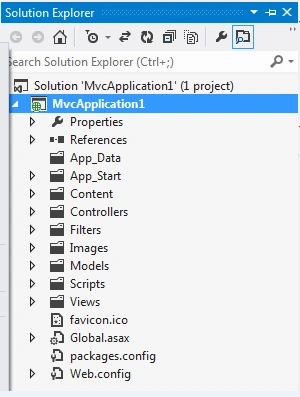
Here is my solution explorer of the project.
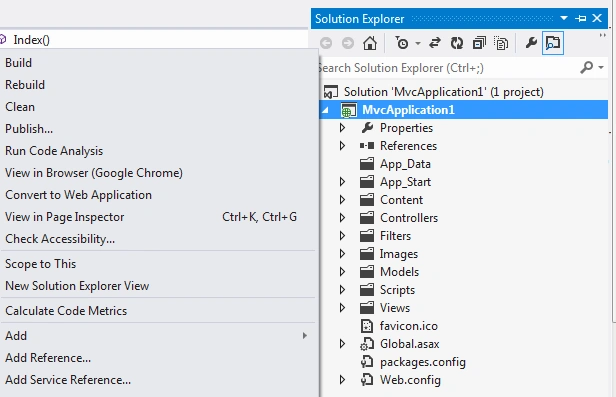
Right click on the project and follow the following steps for adding Entity data model to it.
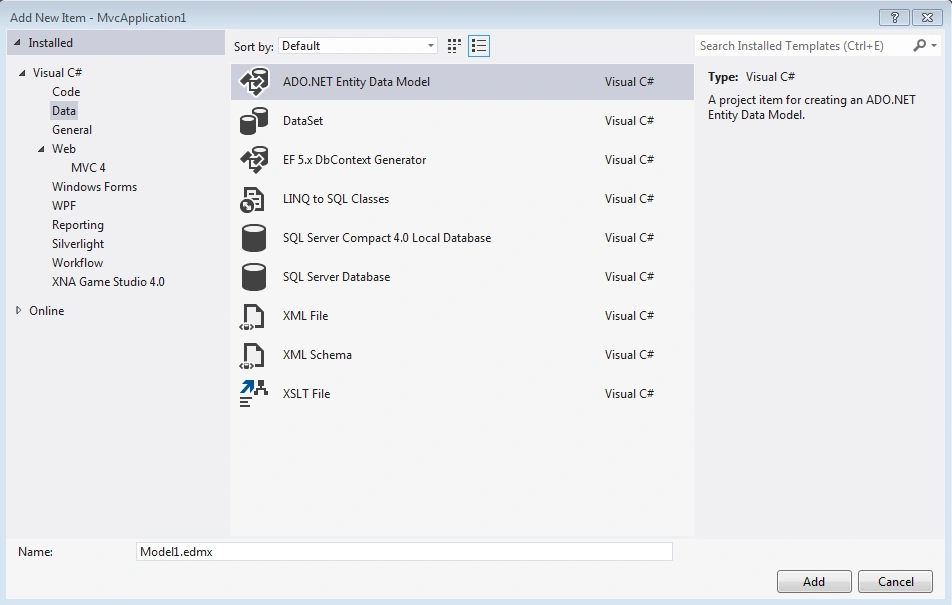
Click on add New Item-Data->ADO.NET Entity Data Model
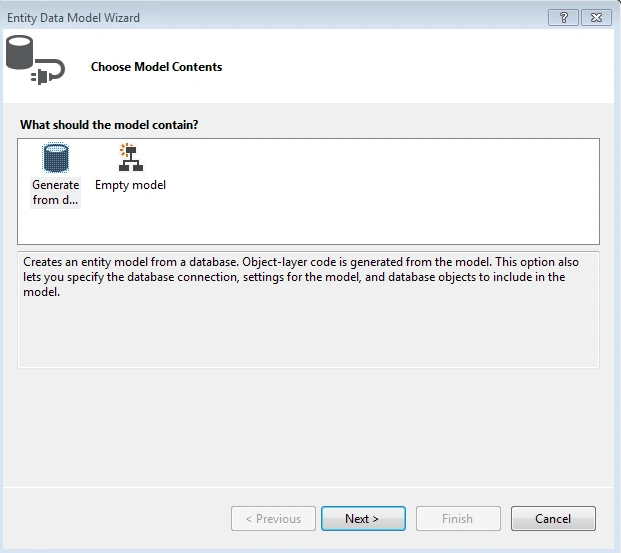
Click-Next
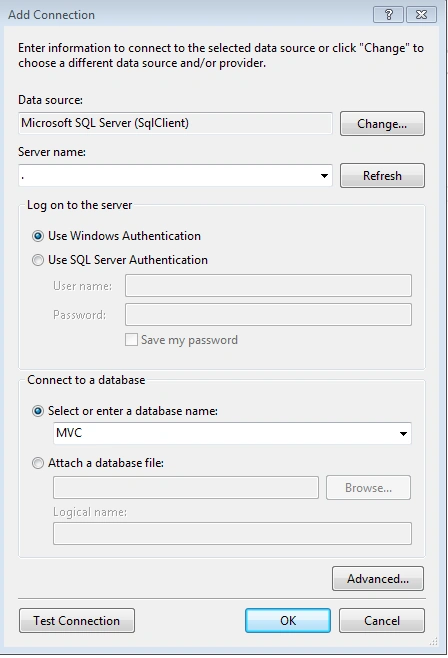
Choose your connection string and choose the 'Yes' rodio button so that it will automatically update in your web.config.
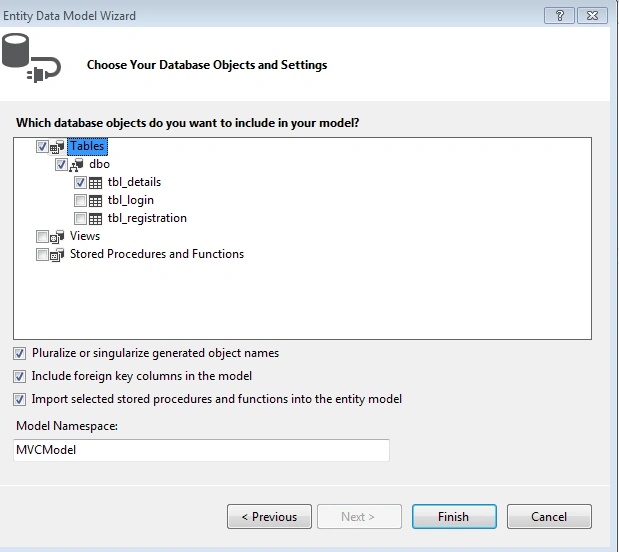
Now specify the tables you want.
When you click finish it will add your table to the ORM designer as follow.Here your table is mapped as a class and all the fields inside the table act as property.
When you click finish it will add your table to the ORM designer pattern.here your table is mapped as a class and the colums as property.
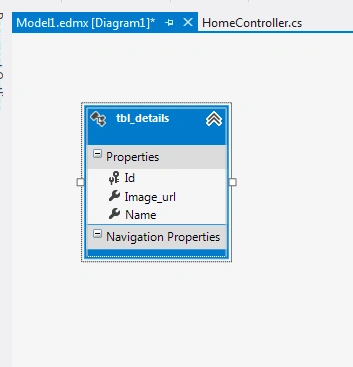
So here we have 3 fields.
Now we are comming to our main requirement.
Add a img folder to the project so that our images can store here.
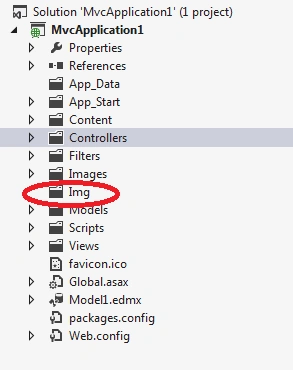
Go to the home controller and write the following code here i have described each line of code
- public class HomeController: Controller
- {
- MVCEntities obj = new MVCEntities();
- public ActionResult Index() {
- return View();
- }
- [HttpPost]
- public ActionResult Index(FormCollection fc, HttpPostedFileBase file)
- {
- tbl_details tbl = new tbl_details();
- var allowedExtensions = new[] {
- ".Jpg", ".png", ".jpg", "jpeg"
- };
- tbl.Id = fc["Id"].ToString();
- tbl.Image_url = file.ToString(); //getting complete url
- tbl.Name = fc["Name"].ToString();
- var fileName = Path.GetFileName(file.FileName); //getting only file name(ex-ganesh.jpg)
- var ext = Path.GetExtension(file.FileName); //getting the extension(ex-.jpg)
- if (allowedExtensions.Contains(ext)) //check what type of extension
- {
- string name = Path.GetFileNameWithoutExtension(fileName); //getting file name without extension
- string myfile = name + "_" + tbl.Id + ext; //appending the name with id
- // store the file inside ~/project folder(Img)
- var path = Path.Combine(Server.MapPath("~/Img"), myfile);
- tbl.Image_url = path;
- obj.tbl_details.Add(tbl);
- obj.SaveChanges();
- file.SaveAs(path);
- } else {
- ViewBag.message = "Please choose only Image file";
- }
- return View();
- }
- }
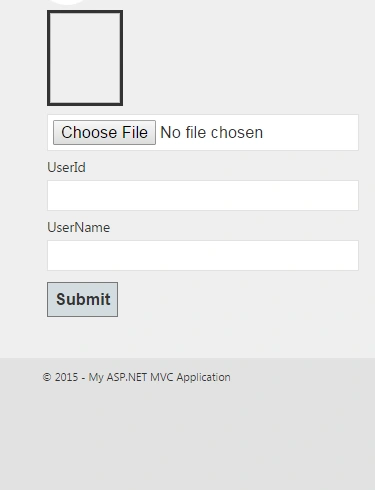
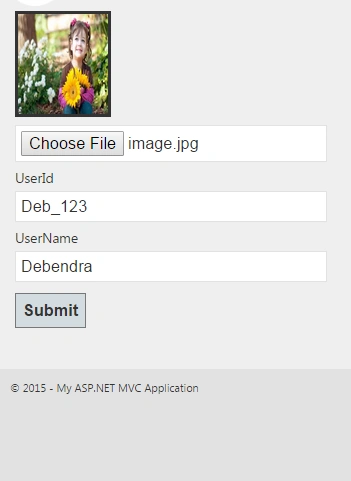
La ThanhPosted Oct 26, 2020, 11:38 PM
In this case, I want to save some image_url then how to do it ?
Sharique AhmadPosted Mar 21, 2019, 7:04 PM
On server it doesn't work, like www.mydomain.com, what is issue?
Jasmine MerchantPosted Feb 5, 2019, 1:52 AM
Worked well. Thanks for sharing
Mohd AdilPosted Sep 3, 2018, 8:29 AM
Please describe in details
John AdemolaPosted Apr 17, 2018, 8:50 AM
Worked for me..Thanks
jiji jijiPosted Sep 21, 2016, 6:54 PM
Tbl.Image_url = file.ToString(); //getting complete url this line generate excepyion because file is null i don't know why help plzz
kalu singh raoPosted Jul 22, 2016, 1:28 AM
Nice
Debendra DashPosted Jun 17, 2016, 12:58 PM
Server.MapPath("~/Photo"). use this
Gulsherkhan ShamsPosted Jun 16, 2016, 2:32 AM
{"The relative virtual path 'G:/NADWA/NADWA/NADWA/SMSAPP/Photo/IMG_2460_0.JPG' is not allowed here. i want to save only the path is ~/Photo/IMG_2460_0.JPG. that,s working for me how do this,how to Remove this ("'G:/NADWA/NADWA/NADWA/SMSAPP") using same your above code
Sanoj YadavPosted May 24, 2015, 11:49 AM
good........